Sync your Leon roster to your pilot logbook: a guide for charter pilots
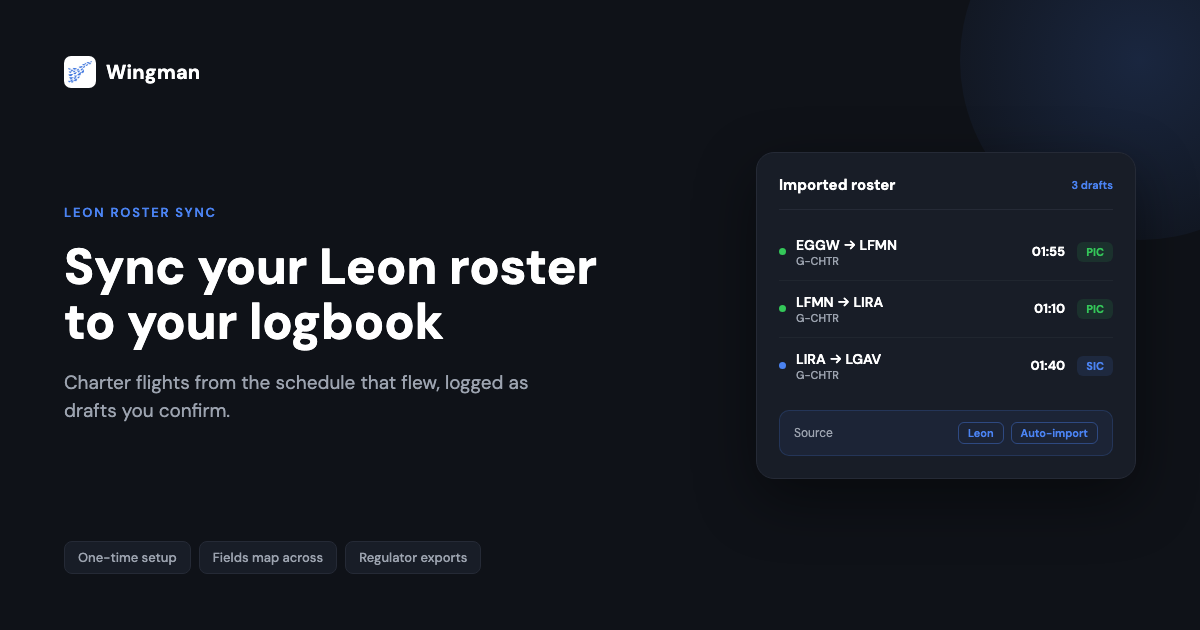
Charter flying does not run on a fixed timetable. Trips get added the night before, legs get re-routed for a client, and an aircraft swap can change your day completely. That unpredictability is part of the job, but it makes one quiet task harder than it should be: keeping an accurate logbook. If your operator runs scheduling and crew rostering in Leon, the schedule that drives your week already holds most of the data your logbook needs. Syncing that Leon roster into your Wingman pilot logbook means you record flights from the same source of truth your operator uses, instead of retyping each leg by hand.
This guide explains what the sync does, how it is set up, which fields carry across, and how often it refreshes. It is written for charter and business-aviation pilots worldwide, so it stays focused on the workflow rather than any single country’s paperwork.
Why charter rosters are hard to log by hand
Airline pilots usually fly a published, repeating pattern. Charter and business-aviation crews rarely do. A typical month can mix short positioning legs, long multi-sector trips, standby that converts to flying with little notice, and aircraft you may not have flown the week before. Logging that manually creates three recurring problems.
- Detail gets lost. Block times, registrations, and crew roles are easy to misremember a few days later, which is exactly when most pilots get round to updating the book.
- Hours go missing. A leg that was added late or changed at short notice is the one most likely to be left out, and missing hours undermine the totals you rely on for currency and licence proceedings.
- It eats time you would rather spend resting. Hand-entering a busy month can take an evening you do not really have between duties.
A logbook is not just a personal record. Keeping it accurate is a regulatory expectation under authorities such as the FAA under 14 CFR Part 61, EASA under Part-FCL, and regional regulators including the GCAA in the UAE. Pulling the data straight from the roster that flew is the simplest way to keep that record honest.
What Leon does, and where it stops for you
Leon is a cloud-based scheduling and operations platform used widely across business and charter aviation. Operators use it to plan trips, assign crew, track flight-time limitations, and manage the day-to-day of a fleet. As a pilot, Leon gives you clear visibility of your assigned flights: dates, sectors, aircraft, and times.
What Leon is built to do, though, is run the operation. It is not a personal logbook, and it is not the document you present at a licence proficiency check or a new-operator interview. So for years the gap between the two has been bridged the slow way: reading the roster on one screen and typing it into a logbook on another. Syncing closes that gap by letting your logbook read the schedule directly.
How syncing your Leon roster into Wingman works
Wingman is built to bring rostered flights in automatically rather than asking you to type them. It already imports rosters from a range of crew and scheduling systems, including AIMS eCrew, NavBlue RAIDO, CAE Crew Access, ARMS, CESAR, Sabre, FLICA, and PDC CrewConnex. For Leon specifically, confirm the current import method inside the app before you rely on it, as available sources are added over time. [VERIFY]
The overall flow is the same whichever source you use, and it is worth understanding in three parts: setting up the import, knowing what carries across, and knowing how often it refreshes.
Setting up the import
Setup is a one-time job. Inside Wingman you choose roster import, select your operator’s scheduling source, and connect it so the app can read your assigned flights. [VERIFY] From that point the heavy lifting is done once: you are not connecting the link every month, only the first time.
After the connection is in place, Wingman reads your roster and turns each flight into a draft logbook entry. The entries arrive as drafts on purpose. You review them, confirm the times and roles are right, and save. That review step keeps you in control of your own record, which matters because the logbook is yours to certify, not the operator’s.
What fields map across
The point of the sync is that the fields you would otherwise type come across on their own. For a charter leg, that typically covers:
- Date of flight
- Flight number or trip identifier
- Aircraft registration and type
- Departure and destination aerodromes
- Off-block and on-block times, and the resulting block time
- Your crew role, so pilot-in-command, co-pilot, or dual time lands in the right column
The exact set of fields that transfer from a Leon roster, and how multi-crew roles are assigned, should be checked against the current behaviour in the app. [VERIFY] Anything the source does not provide, such as approaches flown or remarks, you add during the review step.
How often it updates
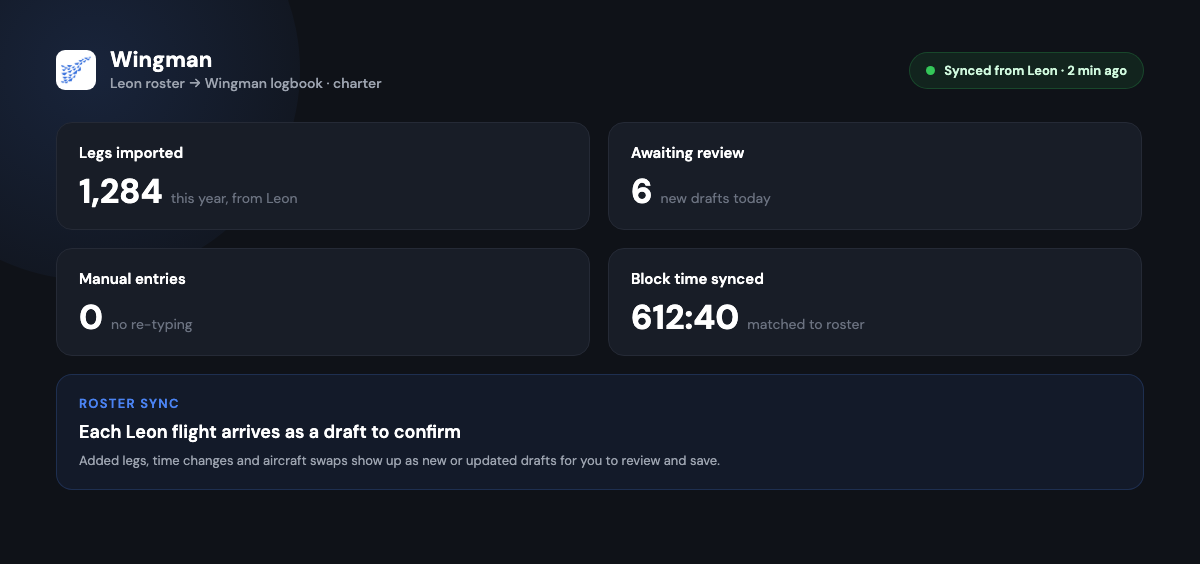
Because charter schedules change, the value of the sync is that it keeps pace. Once connected, Wingman refreshes from the roster so that added legs, time changes, and aircraft swaps show up as new or updated drafts rather than being missed. Confirm the refresh frequency for your source inside the app, as this can differ between scheduling systems. [VERIFY] The practical effect is that your logbook trails the operation closely instead of being reconstructed from memory at month end.

What you gain from the sync
Once the connection is running, the benefits are practical rather than abstract.
Accuracy improves because the data comes from the schedule that actually flew, not from recall. Entries arrive in a consistent format, so totals add up the same way every time.
Nothing slips through the cracks. A leg added at short notice still appears as a draft to confirm, which is the single most common source of missing hours on a charter roster.
Multi-leg and multi-crew days stay tidy. Sectors are kept in order, and crew roles map into the correct command, co-pilot, or dual columns rather than being sorted out by hand later.
You get the time back. Minutes of review replace an evening of typing, and that time is better spent on planning, briefing, or rest, all of which feed directly into managing fatigue.
The record is ready when you need it. When a proficiency check, licence renewal, or a new operator asks for your hours, an up-to-date digital logbook is already there to export.
Keeping the record compliant for your regulator
Charter pilots move between fleets, operators, and sometimes regulators, so a logbook that only suits one authority is a liability. Wingman produces regulator-compliant exports for the FAA, EASA, UK CAA, GCAA, DGCA, GACA, NZCAA, HKCAD, CASA, and CAAS, which means the same synced record can be presented in the format the reviewing authority expects. The data is stored in the cloud and reachable across iOS, Android, and the web through app.wingmanlog.com, so a lost paper book is no longer a single point of failure.
Used by more than 30,000 pilots across 400-plus airlines and operators, Wingman is a global product rather than a tool built around any one country’s rules. For a charter pilot, that breadth matters: your record follows you when the flying changes.
Getting started
If your operator runs Leon, the first move is to open Wingman, go to roster import, and check how your schedule connects. [VERIFY] You can start on the free tier, which covers up to 250 logged hours, so there is no commitment needed to try the sync against your own roster first. If you fly enough to pass that threshold, Pro is 59 US dollars a year, billed annually at the equivalent of 4.99 US dollars a month, and 4,499 rupees a year in India. You can read more about the logbook on the Wingman pilot logbook page.
The goal is simple: log from the same schedule that flew, review rather than retype, and keep a clean, exportable record without giving up the evenings charter flying already takes from you.
Frequently asked questions
Does Wingman connect directly to Leon?
Wingman automatically imports rosters from a range of crew and scheduling systems, and new sources are added over time. For Leon specifically, open roster import in the app and check the current connection method before you rely on it, as availability can change. [VERIFY]
Do synced flights post to my logbook automatically without review?
No. Rostered flights arrive as draft entries. You review the times, crew role, and any remarks, then save. That step keeps you in control of a record you are the one certifying.
What happens when my charter schedule changes after I have synced?
The sync is built to keep pace with changes. Added legs, time changes, and aircraft swaps come through as new or updated drafts rather than being missed, so your logbook trails the operation instead of being rebuilt at month end. Confirm the refresh frequency for your source in the app. [VERIFY]
Which fields carry across from the roster?
For a typical leg you can expect the date, flight or trip identifier, aircraft registration and type, departure and destination aerodromes, off-block and on-block times, and your crew role. Anything the roster does not include, such as approaches or remarks, you add during review. The exact fields transferred from a Leon roster should be checked in the app. [VERIFY]
Can I use the same synced logbook for different regulators?
Yes. Wingman produces regulator-compliant exports for authorities including the FAA, EASA, UK CAA, GCAA, DGCA, GACA, NZCAA, HKCAD, CASA, and CAAS, so the same record can be presented in the format a given authority expects. This matters for charter pilots who move between fleets and operators.
← All articles