


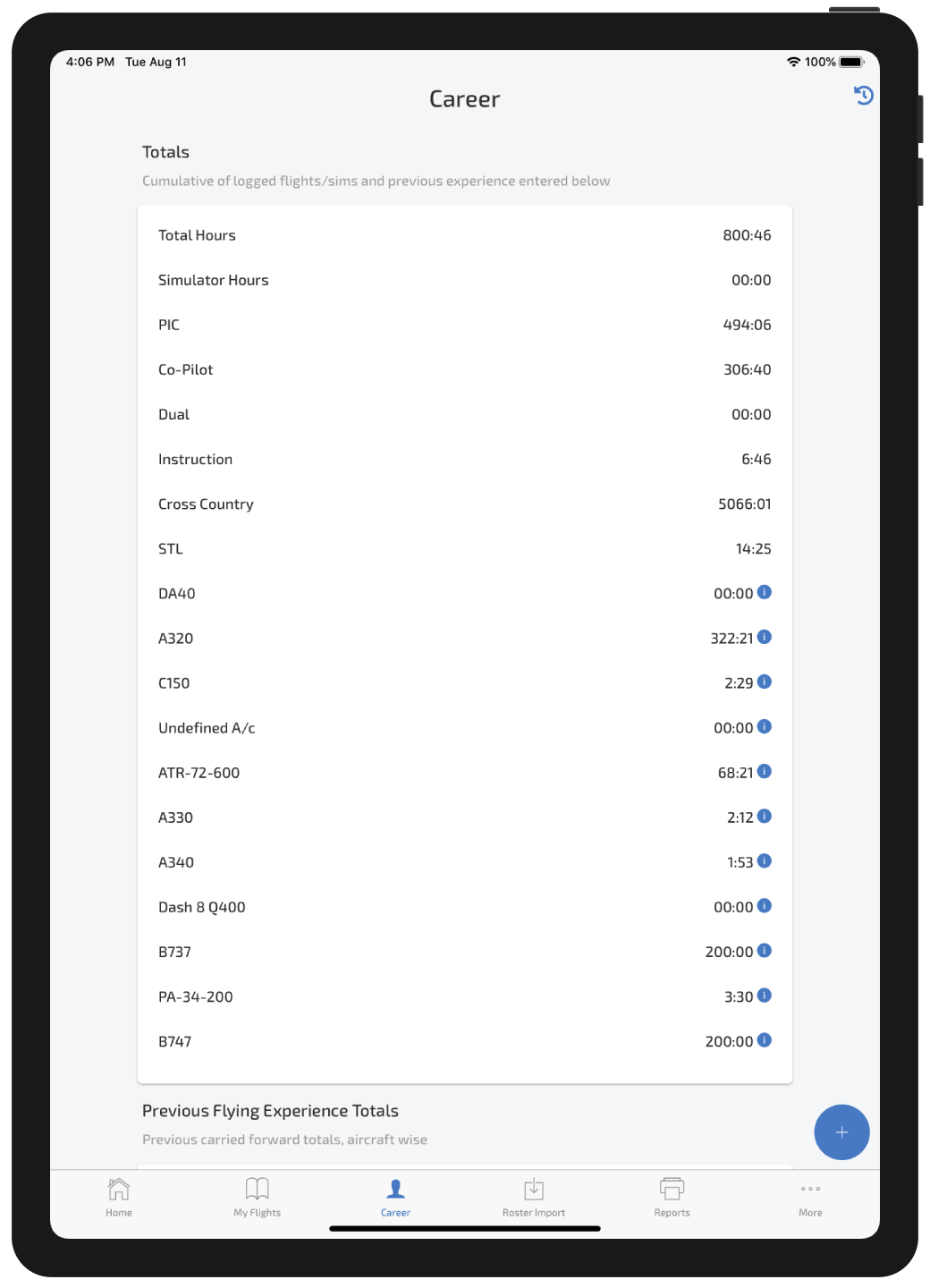
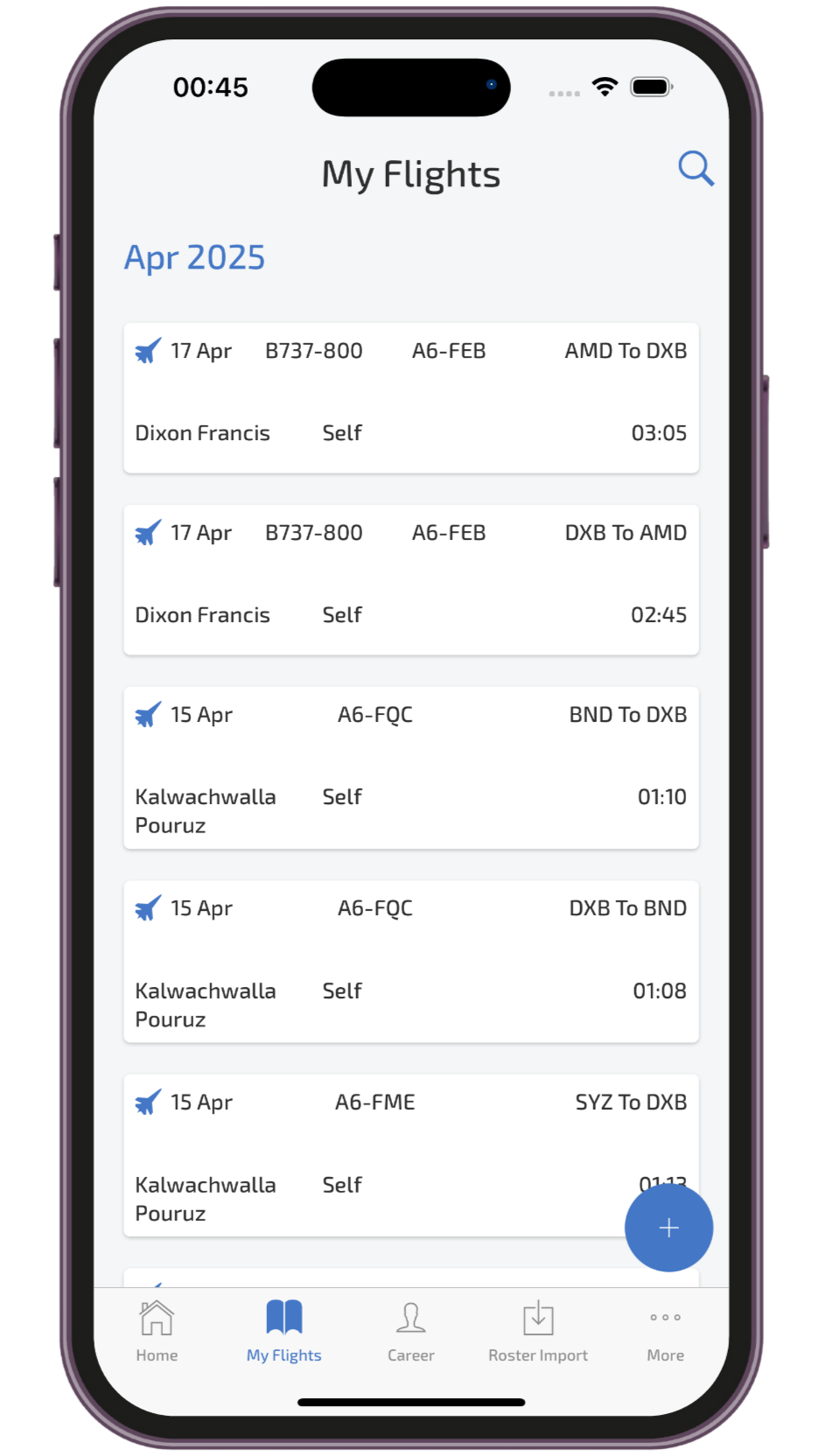

Built for Pilots across the Globe 🌍
Click on any feature to explore

Airline Roster Import
Auto Sync roster from AIMS eCrew, ARMS, CAE, CESAR, NavBlue and other systems

Works Offline
Works anywhere, even without network

Download Any Format
PDF, CSV, Excel Logbook export





Why Choose Wingman?
- Easy to use, built for pilots of all levels
- Works on all devices — mobile, tablet and desktop
- Complies with aviation authority requirements like FAA, EASA, UK CAA, GCAA, GACA, NZCAA, CASA, HKCAD and DGCA
- Roster import from AIMS eCrew, ARMS, CESAR, CAE, Sabre, NavBlue RAIDO and more
- Secure cloud storage with automatic backups so your data is never lost
- Export options for official submissions in PDF and Excel
Transparent and Simple Pricing Plans
Try for free. No credit card required for trial
Basic
For Student Pilots and Enthusiasts
Free trial of all Pro features
- Log up to 250 hrs
- Free trial for roster import (50 sectors)
- Summary and logbook exports (PDF/Excel)
- Custom FTL limits
- Custom recency groups
- Store license and certificate expiry dates
Pro
For Professional Pilots
Unlock Full Potential
billed annually · cheaper than coffee ☕
- Priority support by humans, not bots
- No limits on hours
- Auto roster import
- Manual roster import
- Summaries and logbook exports (PDF/Excel)
- Custom FTL limits and recency groups
- Notifications for license and certificate expiries
Testimonials

"The Wingman Pilot Logbook's automatic roster import is a game changer. It simplifies logging by eliminating manual entries, saving me time and ensuring accuracy. I highly recommend it to any pilot!"
Capt. Alex Ritchie
Etihad

I have used Logbook apps previously. Data input in them was a tedious task. Wingman has a much better user experience and it takes minimal effort to fill up my logbook through the PDF reports
Capt. Thabo Mokoena
Emirates

The AIMS import feature is a life saver. With just 2 clicks, I have all my flights imported. I have tried so many apps and roster import just doesn't work in them
FO Elena Petrova
British Airways
Most Comprehensive
Pilot Logbook App
Automatic Roster Import for Airline Pilots
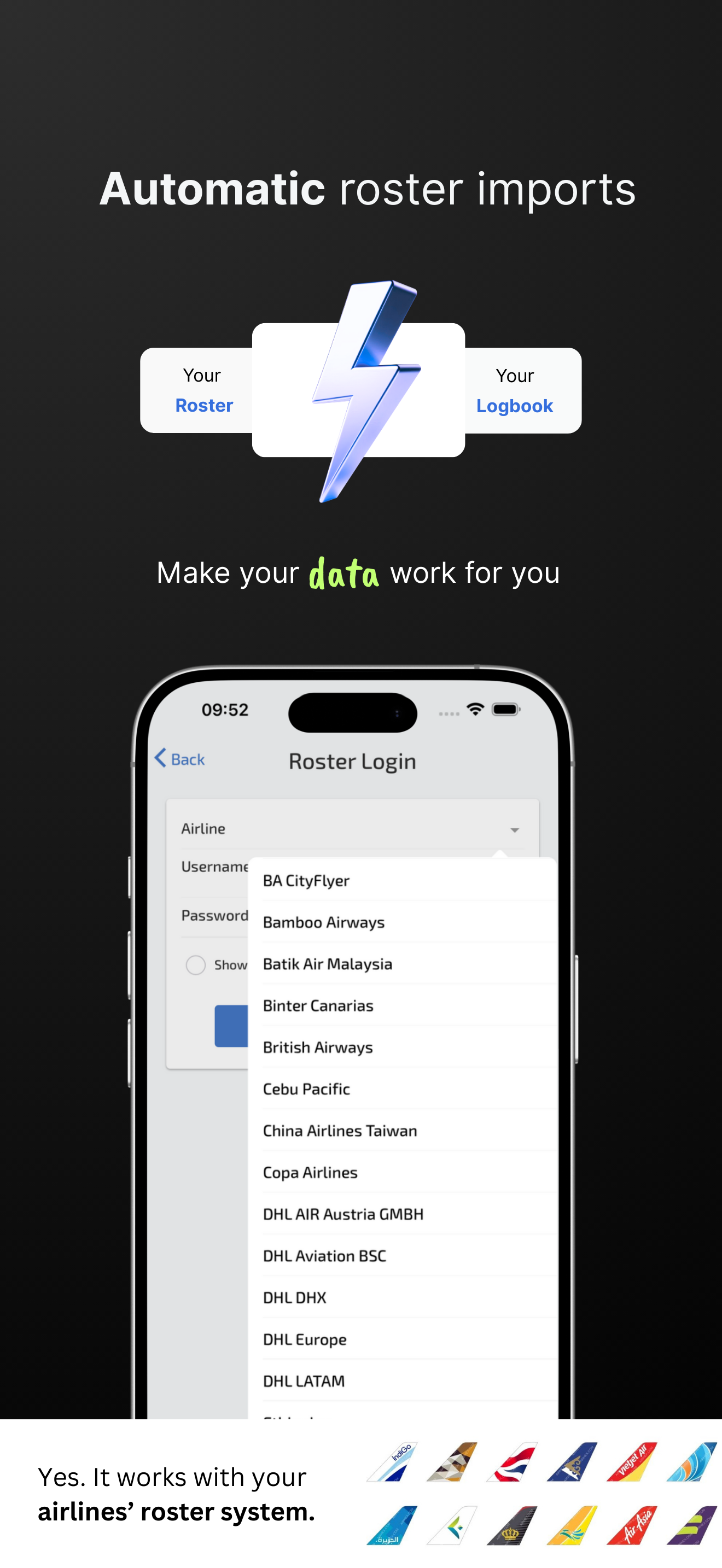
Wingman Pilot Logbook allows you to import your roster from multiple roster systems like AIMS eCrew, ARMS, CAE crew access, CESAR, NavBlue RAIDO and more. Works for Airlines like Etihad, Fly Dubai, Air Arabia, British Airways, West Jet, Volotea and many more.
Auto Roster import syncs your roster automatically too. You just have to switch it on.
Learn moreOne Logbook for Entire Career
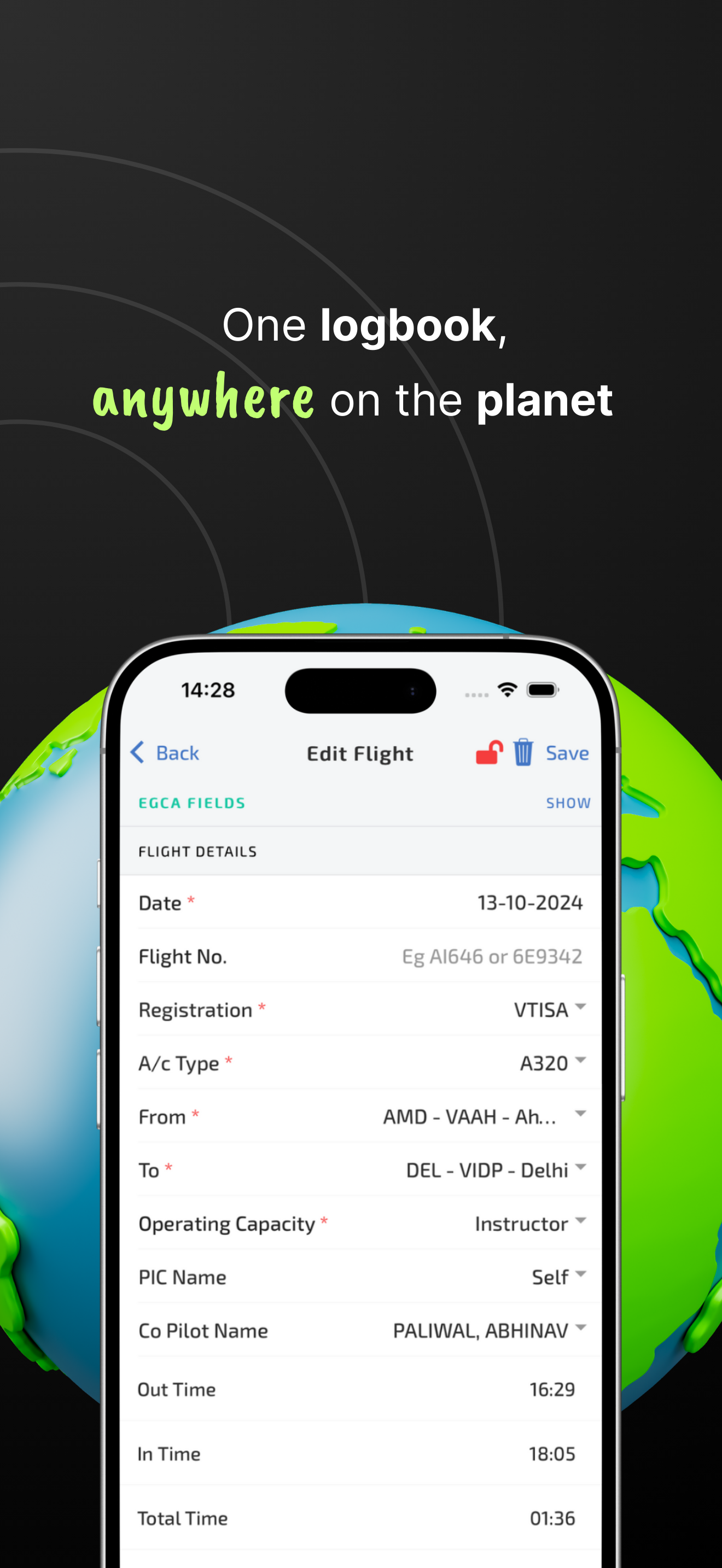
Wingman supports your entire flying career right from flight school as a student pilot and all the way up to being a Captain, Instructor or an Examiner.
Its simple to use interface allows you to log any type of operation with ease. It segregates your total hours and displays them in a way that makes sense to you as a Pilot.
Learn moreMigrate From Any Logbook App or Paper Logbook
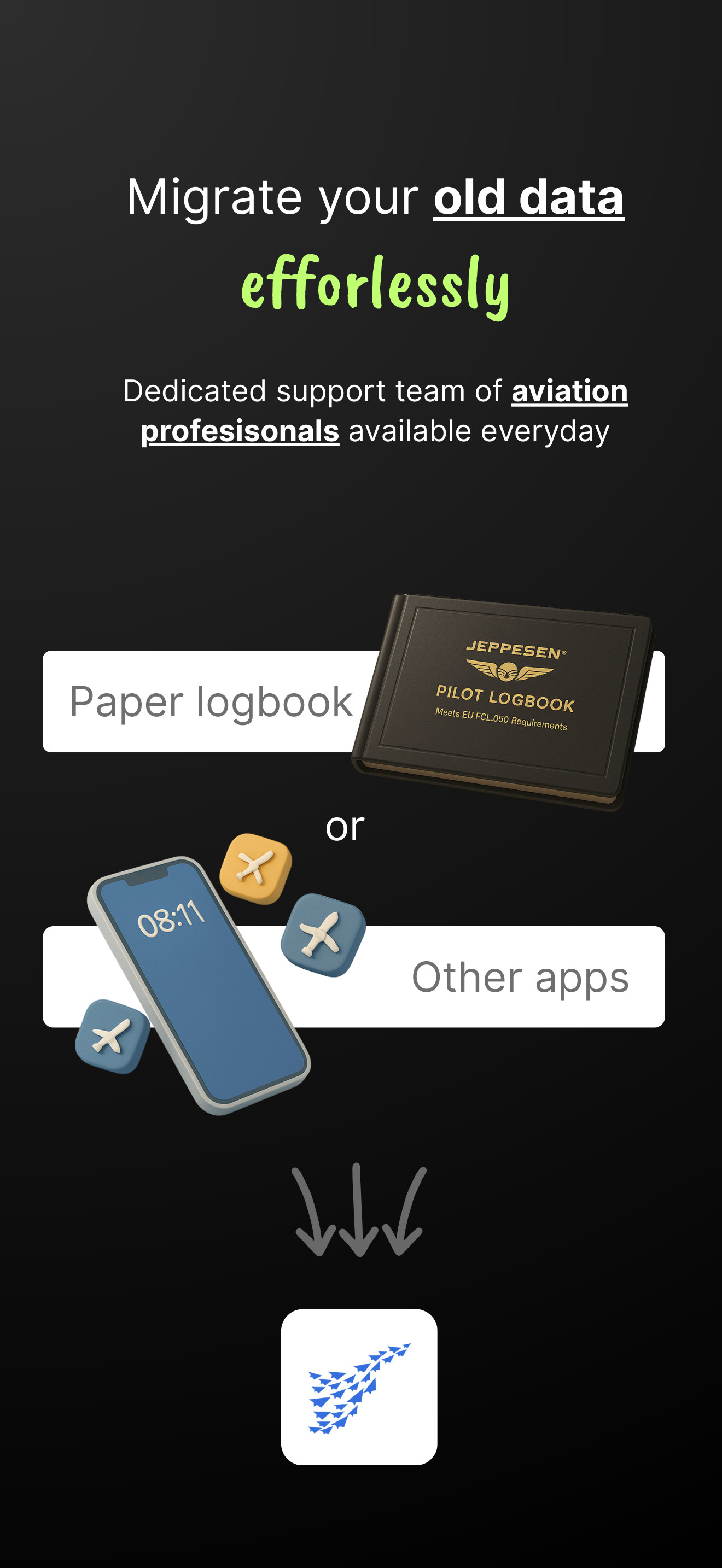
Our trained team understands aviation better and the different types of apps like LogTen Pro that exist out there.
Rather than making you struggle with automatic import from other apps that may miss out some data, we handle it manually. We also accept any excel format for data import, and have a simple feature to forward totals from paper logbooks.
Learn moreCompliant with Regulators World Wide
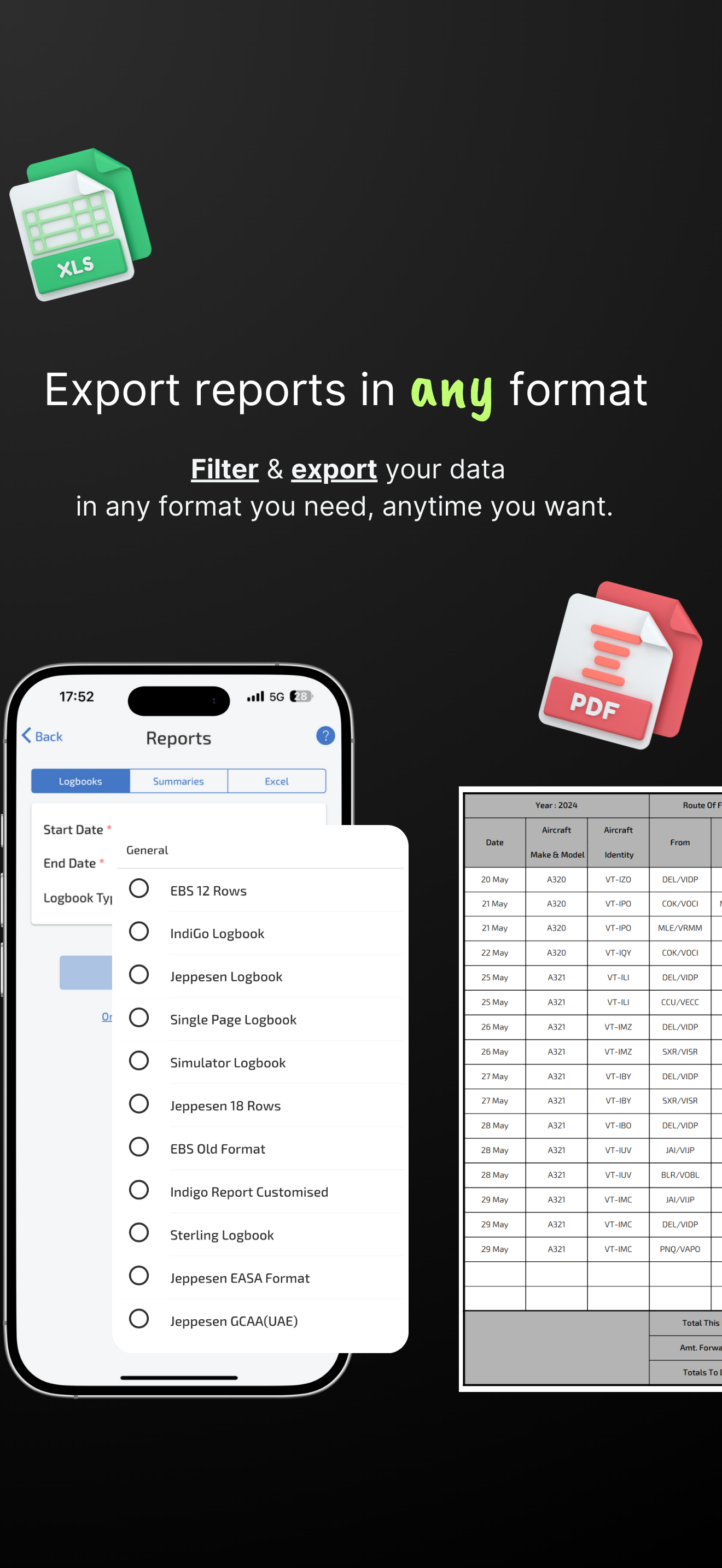
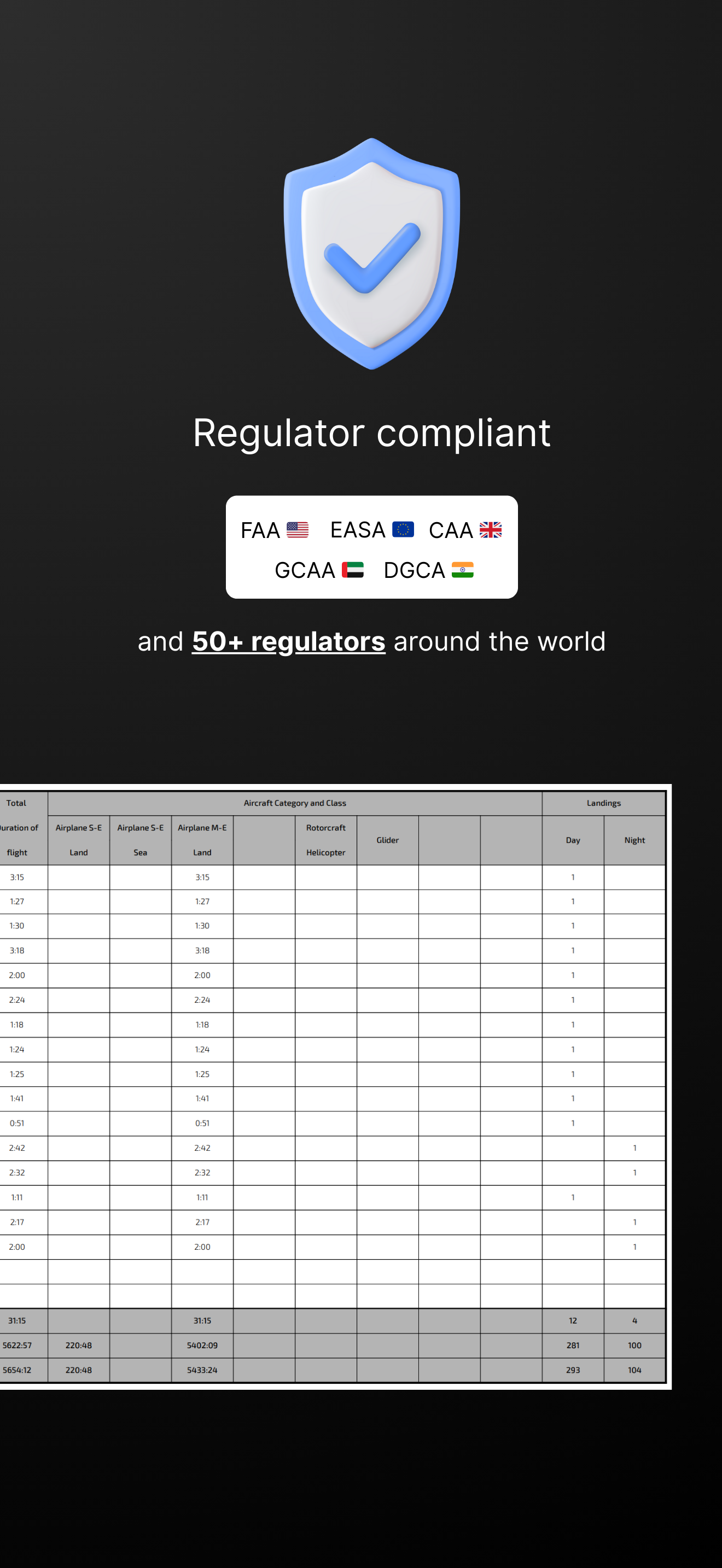
The reports feature lets you generate logbooks and summaries in the most common and accepted formats around the world. Formats like Jeppesen professional pilot logbook, ASA, FCL are all supported.
- FAA
- EASA
- UK CAA
- GCAA
- GACA
- NZCAA
- CASA
- HKCAD
- and more
Custom Flight Time Limits and Recency Groups
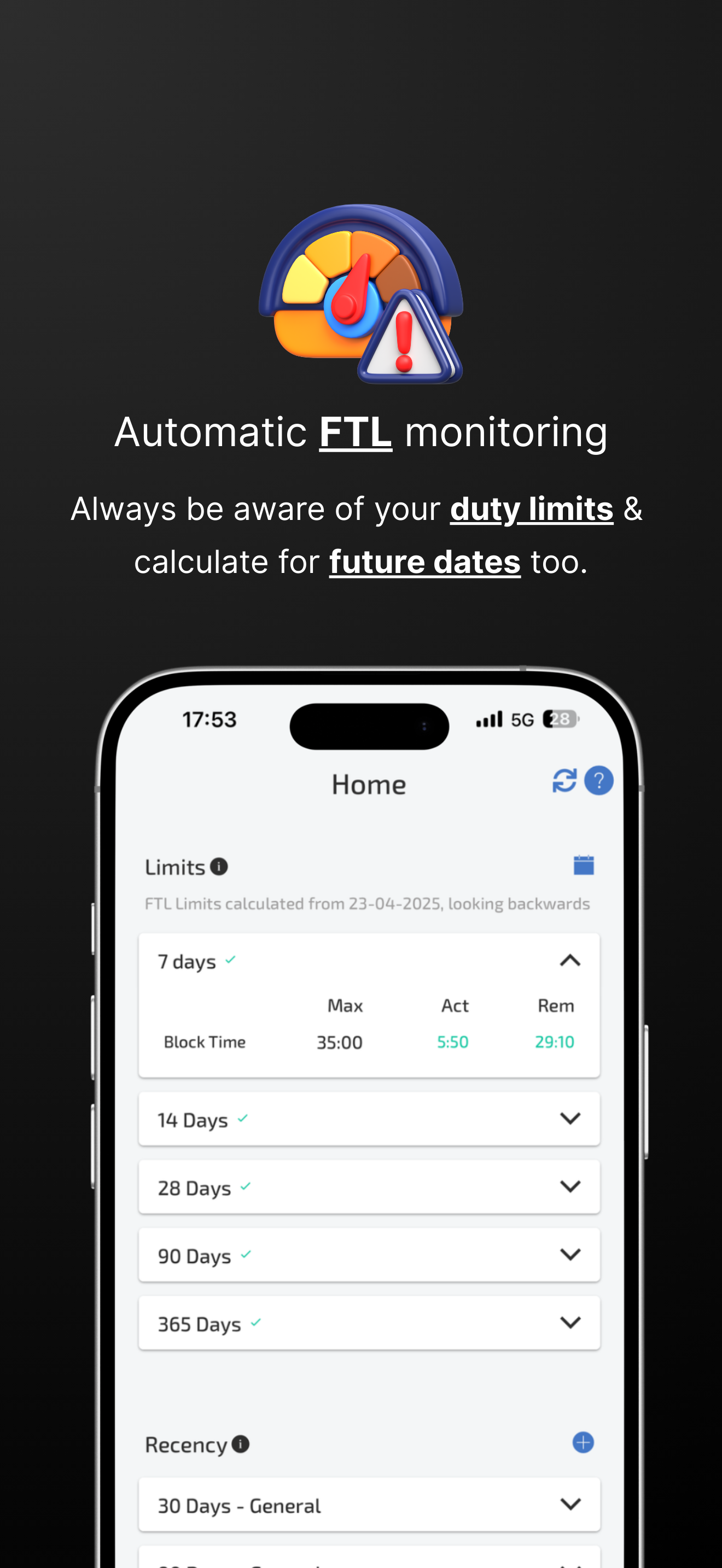
Create custom FTL and recency groups tailored to your operation type and regulator requirements.
Minimum and maximum values are fully customizable, with alerts before anything lapses.
Learn moreStore License and Certificate Expiries
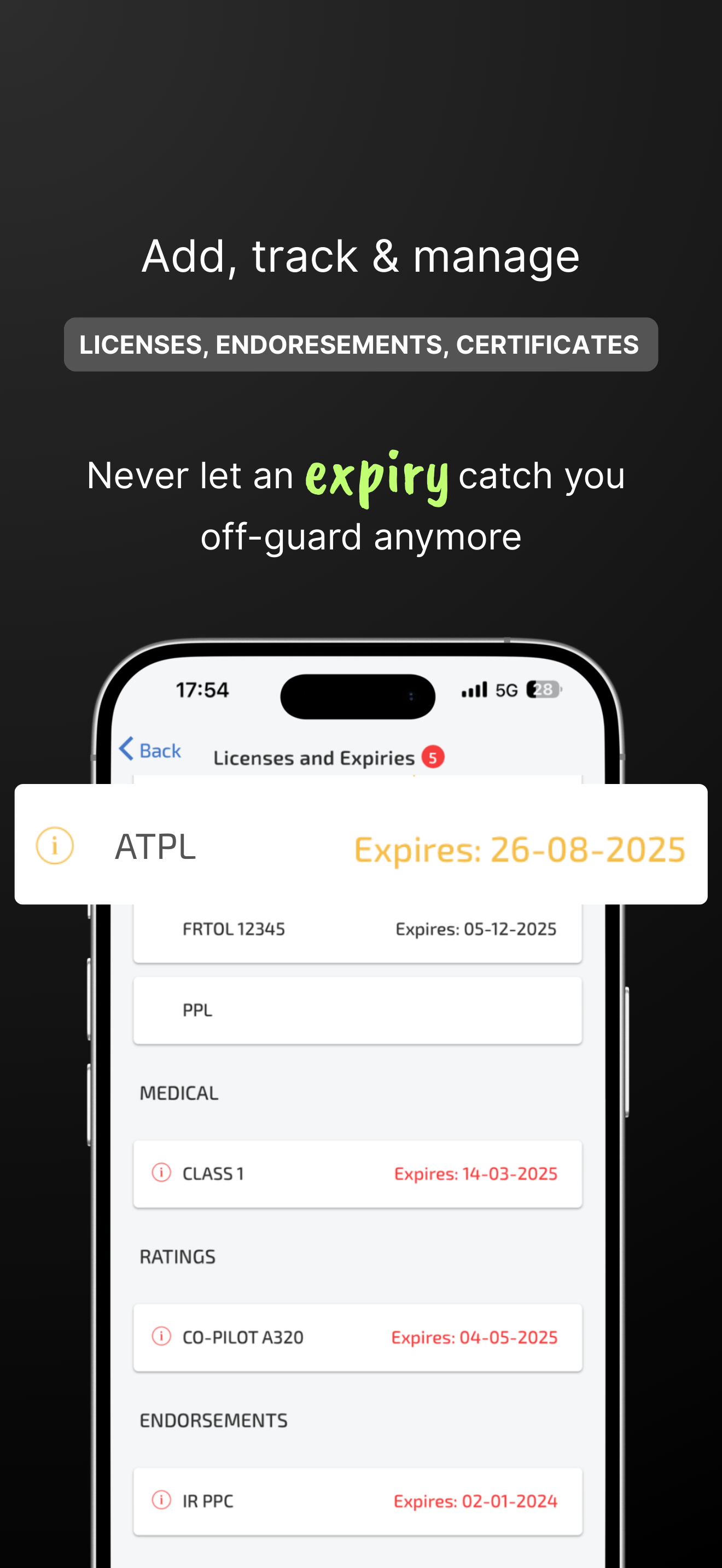
Store the issue and expiry dates of certificates, medicals, and other endorsements.
Custom notifications remind you well in advance so nothing important ever lapses.
Learn moreFrequently asked questions
Q: How much does Wingman Pilot Logbook cost, and is there a free trial?
A free trial up to 250 logged hours with all features. The Pro plan is $59/year ($4.99/month billed annually, ₹4,499/year in India) with no hidden fees.
Q: Will my data be migrated correctly if I switch to Wingman?
Our team assists seamless migration from any other app or logbook, including LogTen Pro, MCC, RB Logbook, Excel, or handwritten logs, with no data loss.
Q: Does Wingman’s airline roster sync work for my airline?
Wingman supports 400+ airlines using AIMS, Sabre, NavBlue, CAE Crew Access, and ARMS, with automatic daily imports. New integrations are added on an ongoing basis.
Q: Can Wingman track custom flight-time limits and recency requirements?
Yes. Configure custom recency rules, landing currency, and FTL duty limits, with alerts for upcoming expiries.
Q: Does it work on PCs and desktops too?
Yes. Wingman is fully cross-platform on iOS, Android, and any desktop or laptop browser, with automatic syncing.
Q: Is it only for airline pilots?
No. It also suits student pilots, PPL and CPL holders, instructors, and military aviators.
Is it compliant with FAA, EASA, DGCA, GCAA, and other aviation authorities?
Yes. Wingman generates logbooks in official formats accepted by FAA, EASA, GCAA, DGCA, GACA and more. Digital logbooks are widely accepted when properly formatted.
Something beyond this? Just drop a message on the contact page, we'll quickly clarify your question
Contact Us
Have any questions or suggestions? We want to hear from you.
Fill the form below, or send an email to support@wingman.zohodesk.com