Best digital pilot logbook apps in 2026: a practical comparison
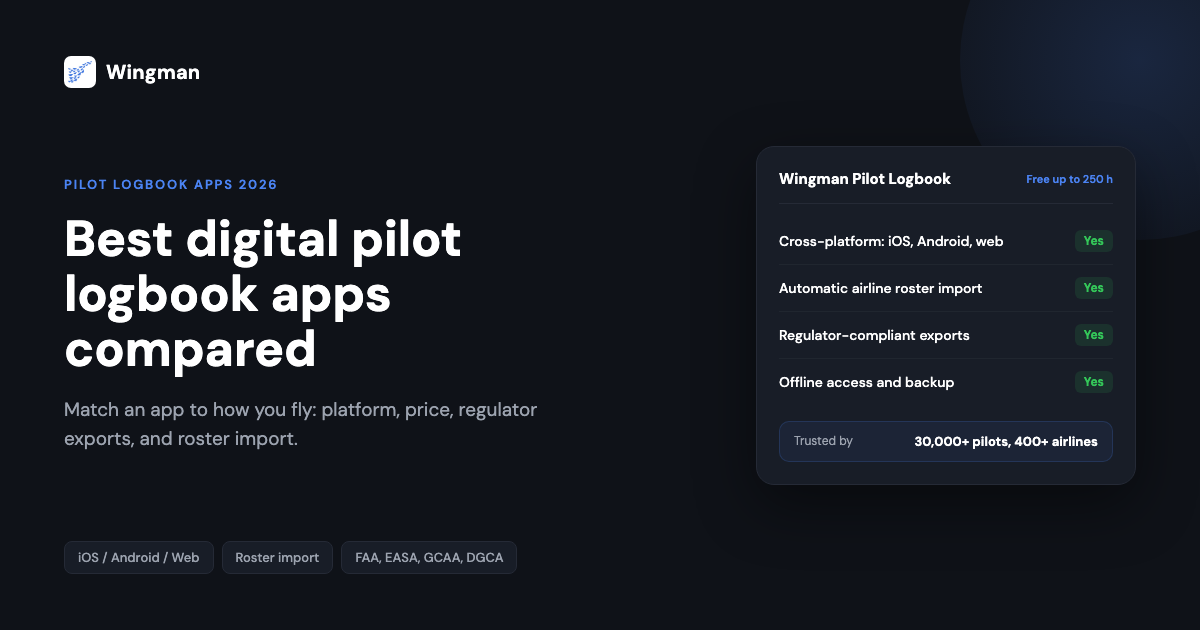
A pilot logbook is a record you keep for an entire career, so the app you choose has to do more than store numbers. It needs to stay accurate across thousands of sectors, hold up to a regulator audit, and move with you between airlines and aircraft. Paper still works, but most line and general aviation pilots have moved to digital pilot logbook apps that import rosters, calculate totals, and back everything up automatically.
This guide compares the digital pilot logbook apps most pilots evaluate in 2026, whether you fly under the FAA, EASA, the UK CAA, the GCAA, GACA, the DGCA, CASA, or another authority. The aim is to match an app to how you actually fly rather than to crown a single winner for everyone.
Why pilots are moving from paper to digital
A paper logbook is simple, but it cannot add up your own totals, warn you before a currency window closes, or survive a coffee spill in the crew room. Digital aviation logbook software fixes the parts of record keeping that cost the most time and carry the most risk.
- No manual maths. Totals, night time, multi-crew, and 90-day recency are calculated for you, so an audit does not turn into an evening of adding columns.
- It cannot be lost. Your history lives in the cloud and on every device, not in one book that can be left behind or damaged.
- Roster import removes typing. The best apps pull sectors straight from your airline’s crew system, which is where the real time saving is for line pilots.
- One record for a whole career. You keep the same logbook across aircraft, operators, and even regulators, instead of starting again each time you switch.
The question in 2026 is rarely paper versus digital. It is which digital logbook fits how you fly.
What a good digital pilot logbook needs to do
Before looking at individual apps, it helps to fix the criteria. A logbook you will rely on for decades should cover the following.
- Cross-platform access on iOS, Android, and web, with sync so the same record is available on every device.
- Regulator-ready exports that match the format your authority expects, so a printout or file is accepted without manual reformatting.
- Automatic roster import, so flights flow in from your airline’s crew system instead of being typed by hand.
- Accurate calculation of day and night time, multi-crew and multi-sector flying, and currency or recency windows.
- Offline access, because the cockpit and the crew room are not always connected.
- Reliable backup and export to PDF and CSV, so your data is never trapped in one device or one vendor.
- Instructor and examiner support, including digital signatures where your training requires them.
The weight you put on each point depends on your flying. An airline first officer cares most about roster import and duty calculations, while a student or general aviation pilot cares more about a free tier, simple entry, and instructor sign-off.
How we compared the apps
Each app below is described across the same dimensions: platform availability, pricing model, regulatory coverage, automation, and the pilot it suits best. Competitor pricing and features change often, so we describe how each app is priced rather than quoting figures that would date. Always confirm the current price on the vendor’s own site before you decide.
The apps
1. Wingman Pilot Logbook
- Platform: iOS, Android, and web, with sync across all three.
- Pricing: free up to 250 logged hours, then Pro at $59 per year ($4.99 per month billed annually; ₹4,499 per year in India).
- Compliance: regulator-compliant exports for the FAA, EASA, UK CAA, GCAA, DGCA, GACA, NZCAA, HKCAD, CASA, and CAAS.
- Automation: automatic roster import from AIMS eCrew, NavBlue RAIDO, CAE Crew Access, ARMS, CESAR, Sabre, FLICA, and PDC CrewConnex, plus duty, rest, and recency calculations.
- Best for: airline pilots who want hands-off roster import, with full support for general aviation, charter, and military flying.
Wingman is used by more than 30,000 pilots across over 400 airlines. Because it is built around automatic roster import and a wide spread of regulator exports, it suits pilots who change fleets, operators, or countries during a career and do not want to start a new logbook each time. You can start on the free tier and move to Pro once you pass 250 hours. Learn more on the Wingman Pilot Logbook product page.
2. LogTen Pro
- Platform: iOS and macOS only.
- Pricing: annual subscription.
- Compliance: strong FAA support with EASA formats.
- Automation: calendar-based schedule import and duty limit tracking, handled through the Mac app.
- Best for: pilots working entirely inside the Apple ecosystem who want deep reporting.
LogTen Pro is a long-established logbook with detailed analytics and reporting, but it is tied to Apple devices, which is a constraint if you also use Android or want a browser on a shared computer. Its schedule import runs through the Mac app rather than on the phone alone. See the side-by-side Wingman vs LogTen Pro comparison for the differences in roster automation and platform reach.
3. CrewLounge PILOTLOG
- Platform: Windows, macOS, iOS, and Android, with the desktop app as the primary tool.
- Pricing: a free basic tier with a paid premium subscription.
- Compliance: broad international format coverage.
- Automation: airline roster import handled by a separate CrewLounge CONNECT module, which is its own subscription.
- Best for: desktop-first pilots who prefer a Windows or macOS application.
CrewLounge PILOTLOG carries a large feature set but a more dated, desktop-centred workflow, and its roster import depends on the separate CONNECT app rather than a built-in airline catalogue. The Wingman vs CrewLounge comparison covers the workflow differences in detail.
4. MyFlightbook
- Platform: iOS, Android, and web.
- Pricing: free, supported by donations.
- Compliance: FAA-oriented, with EASA formats.
- Automation: manual entry, with no airline roster import.
- Best for: students and general aviation pilots who want a free, no-frills logbook.
MyFlightbook is a well-regarded free option that suits early training and light aircraft flying. The trade-off is that it has no automatic airline roster import, so it is less suited to a full airline career where typing every sector by hand becomes the bottleneck.
5. mccPILOTLOG
- Platform: desktop, with a long history on Windows and macOS.
- Pricing: now folded into the CrewLounge product line.
- Compliance: FAA and EASA formats.
- Best for: existing mccPILOTLOG users, who are being migrated to CrewLounge PILOTLOG.
mccPILOTLOG is the former name of the logbook now offered as CrewLounge PILOTLOG. If you are researching it today, treat it as the same product family covered in the CrewLounge entry above rather than as a separate current app, and confirm the migration path on the vendor’s site before moving any data.
6. RB Logbook (by CAE)
- Platform: iOS, Android, and web.
- Pricing: subscription, with a free trial.
- Compliance: FAA, EASA, and DGCA formats.
- Automation: roster import through the RosterBuster ecosystem, with limited standalone airline integration.
- Best for: pilots already using RosterBuster who want a logbook in the same ecosystem.
RB Logbook ties into the RosterBuster crew tools, which is convenient if you already use them but a dependency if you do not. The Wingman vs RB Logbook comparison sets out where each fits.
7. Flylog.io
- Platform: iOS, Android, macOS, Windows, and web.
- Pricing: a limited free trial, then tiered subscriptions.
- Compliance: FAA, EASA, CASA, GCAA, UK CAA, NZCAA, and HKCAD formats.
- Automation: roster import from a published list of airlines, with ADS-B flight import on the higher tier.
- Best for: general aviation and VFR pilots who want a logbook and navigation features in one app.
Flylog.io combines logging with navigation tools, which appeals to general aviation flying. Its airline roster coverage is narrower than Wingman’s, and the navigation and ADS-B features sit on a paid tier. The Wingman vs Flylog comparison covers the differences for airline use.
Choosing the right app for how you fly
The decision usually comes down to which devices you use, whether you fly for an airline or in general aviation, which regulator you answer to, and how much you value automation. The flow below sketches a quick way to narrow the field.

For an airline career across multiple operators and regulators, the priorities are automatic roster import, broad export coverage, and access on every device. For training and general aviation, a free tier, simple entry, and instructor sign-off usually matter more than airline integrations you will not use yet.
Why pilots pick Wingman
Wingman is built around the parts of logging that take the most time by hand. It imports rosters automatically from the major airline crew systems, so sectors flow in rather than being typed, and it produces regulator-compliant exports across the FAA, EASA, UK CAA, GCAA, DGCA, GACA, NZCAA, HKCAD, CASA, and CAAS, which matters if your flying crosses borders or you change authority during a career.
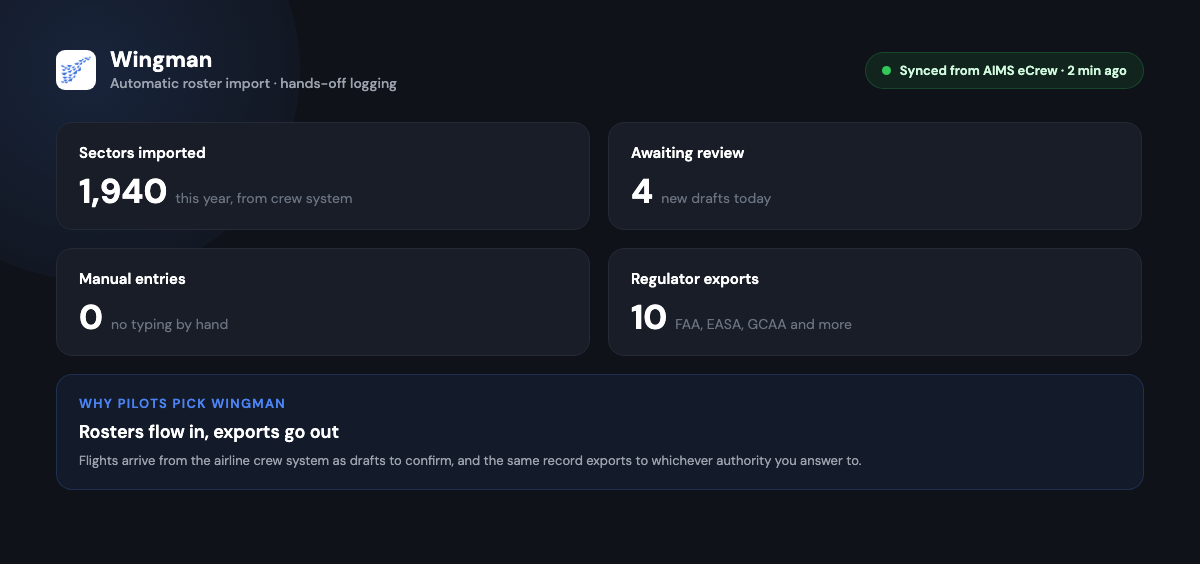
It runs on iOS, Android, and web with sync, works offline for the cockpit and crew room, and lets you start free up to 250 hours before moving to Pro at $59 per year. With more than 30,000 pilots across 400-plus airlines using it, the airline import catalogue and export formats are exercised across a wide range of real operations. You can create an account and begin logging at app.wingmanlog.com.
Frequently asked questions
Are digital pilot logbooks accepted by aviation authorities?
Yes, provided the logbook keeps the required fields and produces an export in an acceptable format that can be audited. Most authorities, including the FAA, EASA, the UK CAA, the GCAA, and the DGCA, accept digital records, and an app with regulator-compliant exports is built to meet that bar. Always confirm the current requirement with your own authority.
Can I use one logbook app across more than one airline?
Yes. A good digital logbook keeps a single continuous record across operators, so when you change airlines your totals, currency, and history carry over. With automatic roster import, the new operator’s crew system can feed flights into the same logbook you already use.
Is there a free pilot logbook app for flight training?
Yes. Wingman has a free tier up to 250 logged hours, which covers most of initial training, and MyFlightbook is free and supported by donations. Both suit students; the difference shows later when airline roster import and broad regulator exports start to matter.
Do these apps support simulator entries and instructor sign-off?
Most digital logbooks support simulator sessions and instructor or examiner signatures, though the exact mechanism varies by app. If sign-off is important for your training, confirm how each app captures a signature before you commit.
What is the best pilot logbook app for airline pilots?
For airline pilots the deciding feature is automatic roster import, because typing every sector by hand is the real time cost. Wingman imports directly from the major crew systems on iOS, Android, and web and exports for most major regulators, which makes it the strongest fit for a roster-based airline career. Apple-only pilots who want deep reporting and do not need Android or web often prefer LogTen Pro.
What should I look for first when choosing a logbook?
Start with the two things that are hardest to change later: whether the app imports your airline roster automatically, and whether it exports in the format your regulator accepts. Get those right and the rest, such as reporting depth and interface preference, becomes a matter of taste rather than a blocker.
Takeaway
In 2026 a digital logbook is a normal part of a pilot’s toolkit, not an extra. The best app for you is the one that fits how you fly: automatic roster import and broad regulator exports for an airline career, a free and simple start for training and general aviation. If you want hands-off roster import across iOS, Android, and web with exports for most major authorities, start with Wingman Pilot Logbook, free up to 250 hours.
← All articles