Best roster app for cabin crew in 2026: how to choose your cabin crew roster app
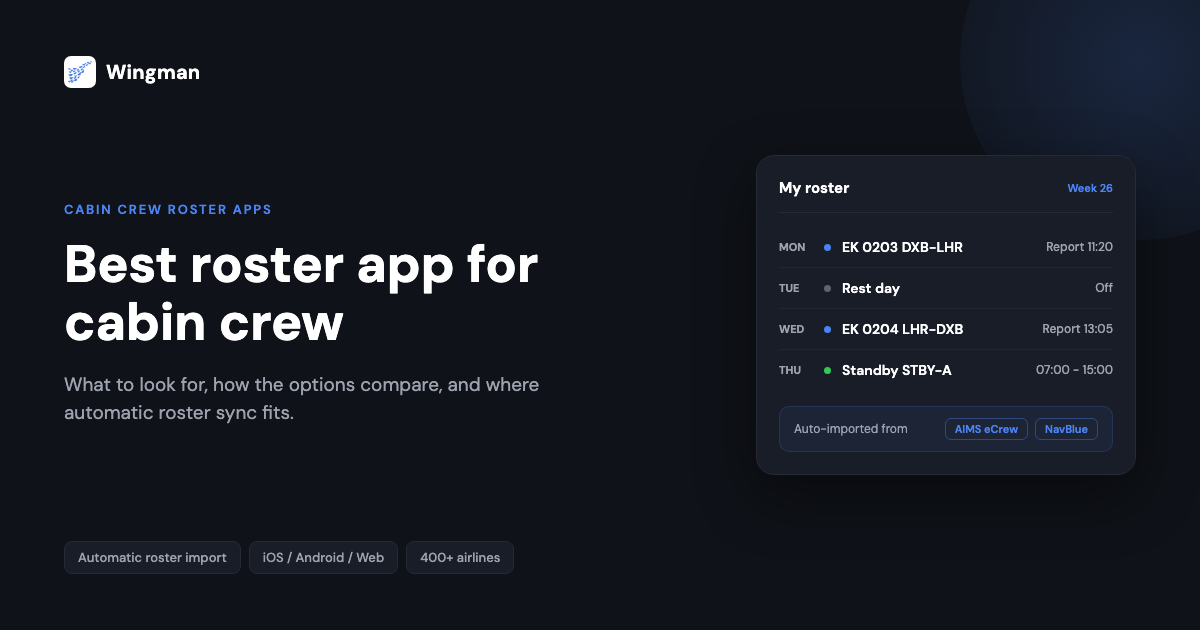
Your airline crew portal was not built for you. It was built for operations, scheduling, and compliance teams, and the fact that you also use it to read your roster is an afterthought. That is why cabin crew around the world reach for a separate cabin crew roster app: something that shows your next report time in the thirty seconds between a briefing and the crew bus, on whatever device is in your hand.
The problem is that most roster apps were built for pilots first and adapted for cabin crew later, and several of the long-standing names have measurably declined. This guide is the hub for choosing a cabin crew roster app in 2026, with pricing and store ratings checked in August 2026. It covers what to look for, how the main options compare, and where the deeper one-to-one comparisons live, so you can pick the app that actually fits how you work.
What cabin crew actually need from a roster app
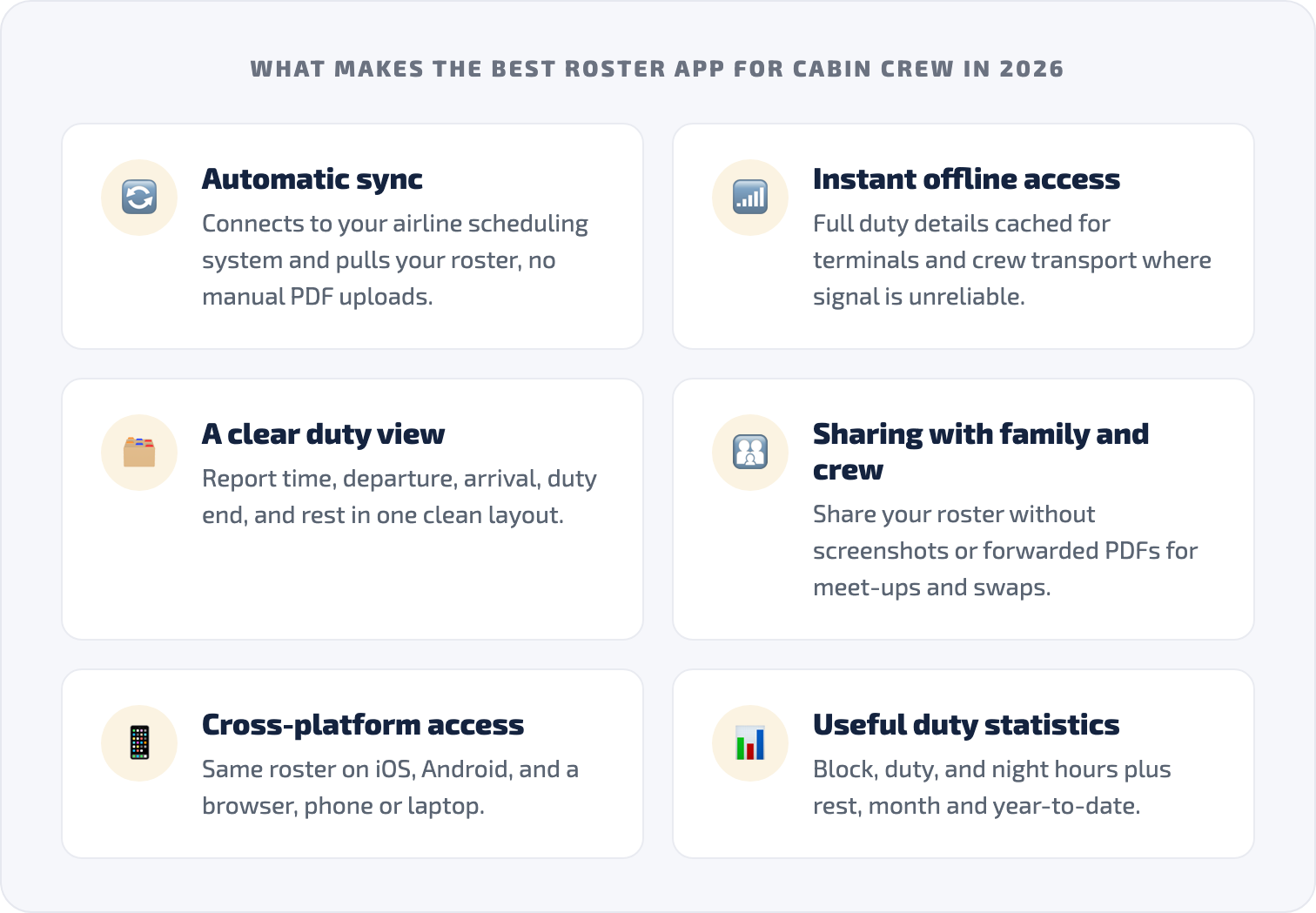
A pilot managing a logbook, currency, and regulatory reports has complex record-keeping needs. As cabin crew, your priorities are different: an app that is immediate, clear, and dependable under operational pressure. A good cabin crew roster app delivers on six things.
Automatic roster sync, not manual upload. In 2026 a roster app should connect to your airline scheduling system and pull your roster for you. If you still have to download a PDF from the crew portal and upload it every time your schedule changes, the app is making you the integration layer.
Instant, offline access. Your roster should open in seconds without a login maze, and your full duty details should be cached for terminals and crew transport where connectivity is unreliable.
A clear duty view. Report time, departure, arrival, duty end, rest period, all in a clean layout, without hunting through tabs to find your show time.
Sharing with family and crew. Your roster affects everyone at home, and meet-ups and leave swaps depend on seeing a colleague schedule. Sharing without screenshots and forwarded PDFs is a daily need.
Cross-platform access. iOS, Android, and a browser view, so your roster is the same whether you are on your phone or a laptop at home.
Useful duty statistics. Block hours, duty hours, night duties, and rest periods, with month and year-to-date visibility, so you can keep an eye on your own duty position.
Most apps tick some of these boxes. The real difference is how reliably they deliver and how much friction sits between you and the information you need.
The cabin crew roster app landscape in 2026
RosterBuster
RosterBuster was the default crew roster app for over a decade, and its store description still claims among the widest airline-format coverage in the market. The reliability picture has split by platform since the CAE acquisition: the iOS app holds 4.4 stars, but the Android listing, now renamed “RB Flight Crew Duty Roster App”, sits at 2.4 stars from more than 1,500 reviews as of August 2026, with reviewers describing weeks unable to upload a roster into a new bid period and server errors at account creation through 2024 and 2025. Breadth of format support does not help when the upload that feeds it fails. If RosterBuster has stopped working reliably for you, the dedicated walkthrough on what to do when RosterBuster is not working goes through the alternatives.
CrewLounge CONNECT
CrewLounge CONNECT bundles crew chat, layover meet-ups, carpool matching, and hotel sharing, and it also includes a roster viewer. It is actively maintained (updated as recently as August 2026) and reasonably priced at about $14.99 a year, so the caveat is not decay: it is the import model. In the app’s own store wording, it “only supports manual upload of your roster files”, so you download from the crew portal and re-upload every time your schedule changes. A solid social app, but the wrong tool if automatic rosters are the point. For a closer look as a pure roster tool, see the CrewLounge CONNECT comparison.
SkyCrew
SkyCrew connects to AIMS eCrew with your crew credentials and covers roughly 40 airlines, mostly AIMS carriers. It is maintained, rated 3.9 on Android and 4.1 on iOS, and it is the most expensive app in this comparison: $6.99 a month, or $79.99 a year as an in-app purchase. Recent reviews question the price for a roster view and report intermittent errors. If your airline is on AIMS it deserves a look; the side-by-side SkyCrew comparison covers where it fits.
The smaller and newer names
- BeCrew: a one-person project connecting to AIMS eCrew sites, with a free tier of 10 refreshes a month and Premium at $0.99 a month. Maintained, tiny user base.
- Wilco (launched December 2025): paste-or-upload import, Apple ecosystem only, no Android, $12.99 a year. Too new to have meaningful ratings.
- Avio Crew (2025): AIMS-focused credential fetch for about 25 airlines, $50.99 a year, barely rated yet.
- iAIMS Crew Roster Viewer: the cautionary tale. Once a staple for AIMS crews, last updated in 2021 and now delisted from the App Store entirely.
The pattern across the whole landscape is the same: the deciding factor is rarely the feature list on the store page. It is whether the roster syncs reliably, whether it works offline when you need it, and whether the app loads fast under real operational pressure. The best crew roster app for when Wi-Fi fails goes deeper on the offline question alone.
Where AirRoster fits for cabin crew
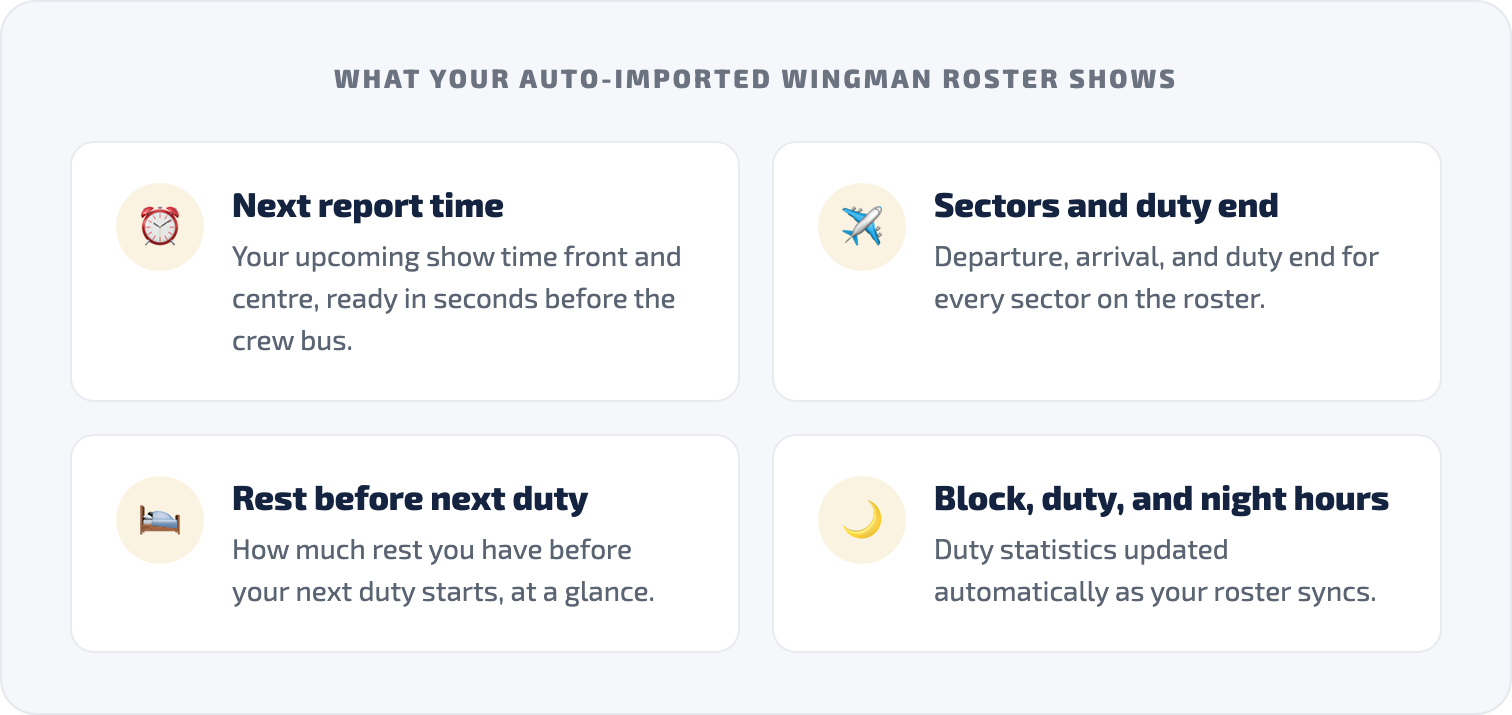
AirRoster is the crew roster app from the Wingman team, trusted by 30,000+ pilots and cabin crew. It connects directly to the airline crew scheduling systems your roster already lives in, including AIMS eCrew, ARMS, CAE Crew Access, iFlight Lite, Sabre, CESAR, and NavBlue RAIDO, across 400+ airlines. Your roster imports automatically rather than through a manual PDF upload, and new airlines are added regularly across Asia, the Middle East, Europe, and the Americas. You can check coverage for your region, for example the airlines supported in the Middle East and the airlines supported in Europe, and airline-specific guides are growing too, starting with how the IndiGo cabin crew roster works.
AirRoster runs on iOS and Android with offline access, family sharing, friends’ rosters, and duty statistics, plus preflight weather in the app. AirRoster Lite is free forever: your published roster, offline, with recent statistics and one friend’s roster. AirRoster Pro is $4 a month, or $29 a year, for full statistics, history, unlimited sharing, and Google Calendar sync. That price undercuts every comparable paid competitor in this guide except the hobby-tier BeCrew.
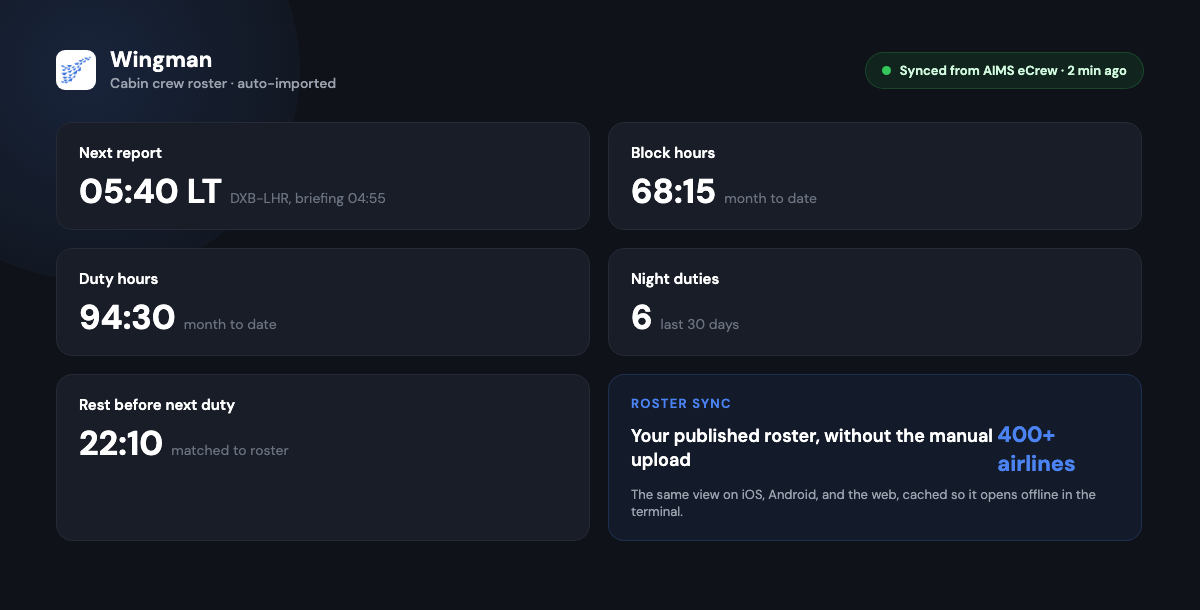
For crew who also keep flight-time records, Wingman, the pilot logbook from the same team, shares the airline connections and adds regulator-compliant exports for the FAA, EASA, UK CAA, GCAA, DGCA, GACA, NZCAA, HKCAD, CASA, and CAAS. Accounts with the same email work across both, so the roster app and the logbook stay in sync rather than being two disconnected tools.
How automatic roster import works
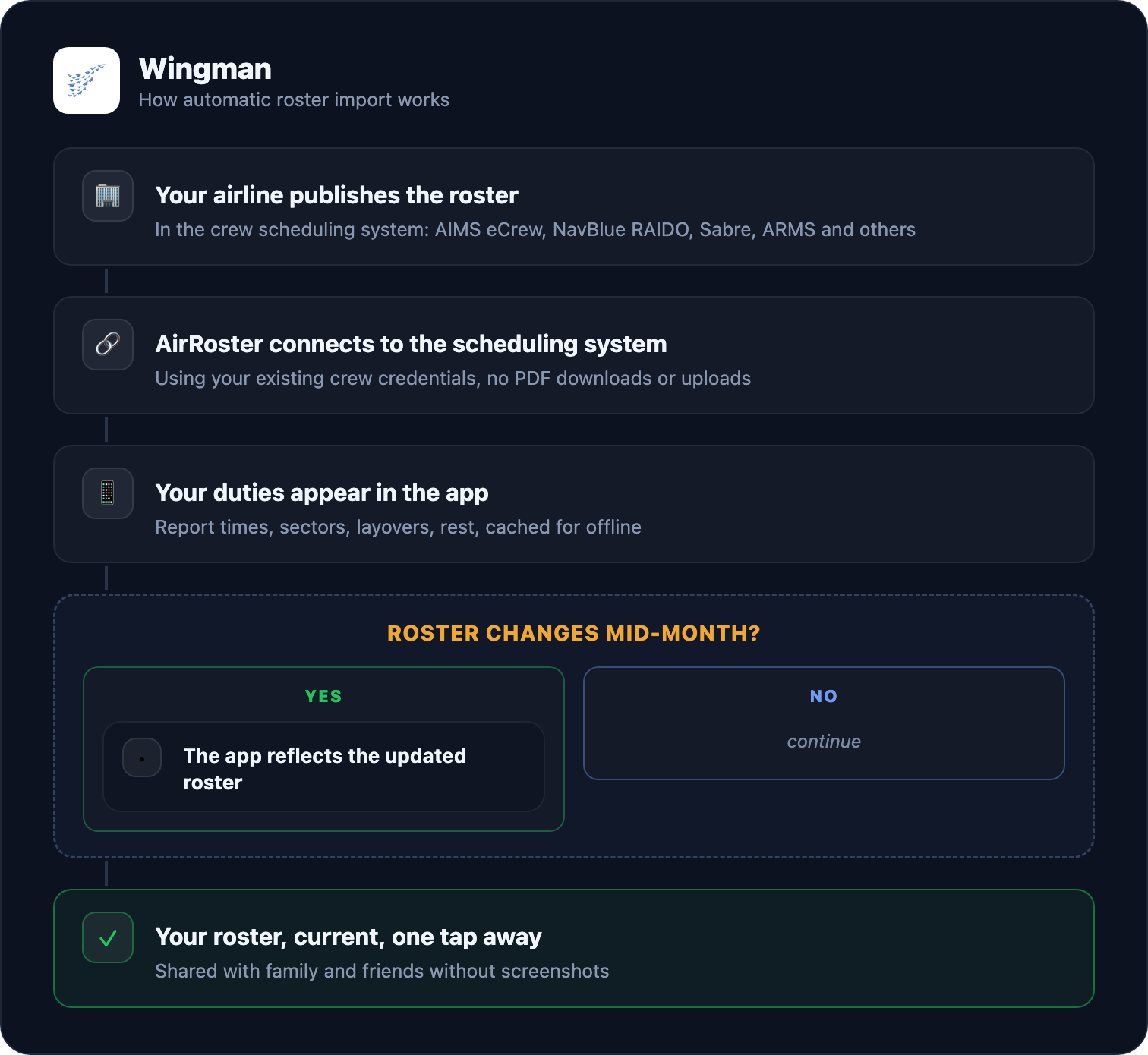
Because the connection is to the scheduling system rather than a manual upload, the roster you see reflects your published schedule without you doing anything each time it changes. If you fly with colleagues across different carriers, the guide on seeing a crew friend roster on a different airline covers how cross-airline visibility works in practice.
Cabin crew roster app comparison
Checked against store listings and official pricing pages in August 2026.
| Feature | AirRoster | RosterBuster | CrewLounge CONNECT | SkyCrew |
|---|---|---|---|---|
| Roster sync | Automatic, direct to scheduling system | Portal upload; failures widely reported on Android | Manual file upload only (their own wording) | Automatic for AIMS airlines, credential based |
| Airlines supported | 400+ direct integrations | Wide format coverage (self-reported) | Format dependent, manual | ~40, mostly AIMS |
| iOS / Android | Yes / Yes | Yes / Yes (2.4 stars) | Yes / Yes | Yes / Yes |
| Duty statistics | Block, duty, night, rest; month and year to date | Premium tier | Basic | Duty tracking |
| Sharing | Family sharing + friends’ rosters | Calendar export | Social features, chat | Limited |
| Free tier | Lite: free forever | Free with paid premium | Generous free tier | Trial |
| Paid price | $4/mo or $29/yr | $1.99 to $3.99/mo, up to $29.99/yr | ~$14.99/yr | $6.99/mo or $79.99/yr |
How to get started with AirRoster
Setup takes only a few minutes.
- Get AirRoster on iOS or Android, or start at app.airroster.com.
- Select your airline from the supported list.
- Connect your scheduling system using your existing crew portal credentials.
- Your roster imports automatically and is available offline on your devices.
- Stay on Lite free forever, or move to Pro at $29 a year for full statistics, history, and calendar sync.
Frequently asked questions
What is the best roster app for cabin crew in 2026?
The one that syncs your roster automatically from your airline scheduling system, loads quickly, works offline, and runs on your devices. Compare the options on reliability rather than feature lists. AirRoster connects directly to systems including AIMS eCrew, NavBlue RAIDO, Sabre, and ARMS across 400+ airlines, with a free Lite tier and Pro at $29 a year.
Is there a free roster app for cabin crew?
AirRoster Lite is free forever: your published roster imported automatically, offline access, statistics for the last 15 days, and one friend’s roster. Pro is $4 a month or $29 a year for full statistics, history, and calendar sync.
Why do crew move away from RosterBuster?
Reliability. The Android listing sits at 2.4 stars from more than 1,500 reviews as of August 2026, with upload and account errors reported through 2024 and 2025, while iOS rates far higher. The deciding factor for most crew is whether the roster feed works, which is why direct scheduling-system connections have become the preference.
Does a cabin crew roster app work offline?
A good one does. Your roster should be cached on your device so report times, sectors, and duty details are available in a terminal with no signal. Offline reliability is one of the most important things to test before you rely on any roster app, and it is covered in detail in the dedicated offline roster app guide.
What is the difference between AirRoster and Wingman?
AirRoster is the crew roster app: automatic import, duty view, sharing, and statistics. Wingman is the pilot logbook from the same team, for crew who also need flight-time records and regulator-compliant exports. They share the same airline connections, and accounts with the same email work across both.
The bottom line
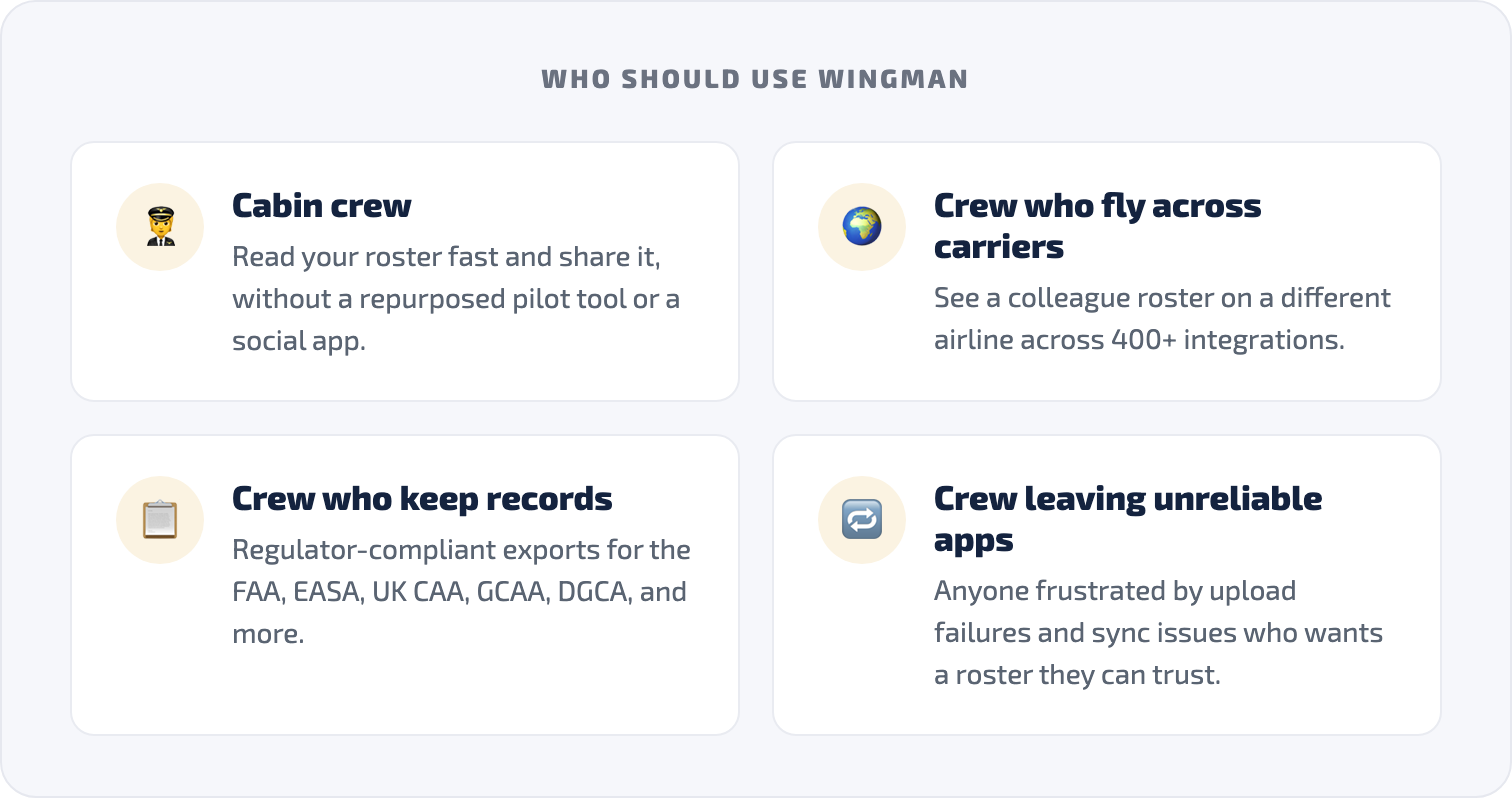
Cabin crew deserve a roster app built around how they actually work, not a repurposed pilot tool and not a social app that happens to show schedules. The long-standing names still appear on the store charts, but a 2.4-star roster feed is not something to build your month around: reliability, automatic sync, and offline access are what separate a roster app you can trust from one you cannot.
Use this guide as your starting point, read the one-to-one comparisons for RosterBuster, CrewLounge CONNECT, and SkyCrew when you want the detail, and test any app against your own airline before you commit. If you want a roster that imports automatically from 400+ airlines, starts free, and stays $29 a year, try AirRoster.
Competitor feature information is drawn from public app store listings, official pricing pages, and user reviews as checked in August 2026. Always use your official company scheduling system as the authoritative source for your roster.
← All articles