Charter pilot roster to logbook sync: cutting admin time for busy crews
Charter flying rewards crews who can adapt. Schedules shift with client demand, duty days carry several short sectors, and repositioning legs appear at short notice. The flying is varied, but the paperwork that follows it is not. After a long day, the last task most pilots want is to retype a duty roster into a logbook, line by line, and then reconcile the numbers before an audit or a renewal.
This guide is about closing that gap. Charter pilot roster to logbook sync means taking the duty information your operator already publishes and turning it into compliant logbook entries without manual retyping. It is a generic overview of how the workflow fits together, written for charter and business-aviation crews anywhere, with a particular eye on Middle East operators flying VIP and corporate trips across the Gulf. If you run a specific crewing system such as Leon, there are focused walkthroughs linked further down.
Why admin time is a hidden cost in charter operations
Airline rosters tend to repeat. The same routes, the same report times, the same aircraft type week after week. Charter work is the opposite. A single duty might run several legs across two or three countries, with a positioning sector at either end and a different registration than last week. That variety is what makes the flying interesting, and it is also what makes the record-keeping slow.
The cost shows up in a few places:
- Hours that should go to rest or recovery are spent transcribing duty data instead.
- Manually copied entries drift out of step with the operator’s records, so block times and sector counts no longer match.
- Mismatches surface at the worst moment, during an audit, a licence renewal, or a command upgrade.
- Night and instrument time get estimated rather than calculated, which weakens the record if anyone checks it.
None of this is dramatic on any single day. Over a month of dense charter flying it adds up to hours of avoidable admin and a logbook that is harder to defend.
Where rosters and logbooks pull apart
A roster and a logbook describe the same flying, but they are built for different readers. The roster answers an operational question: who is on duty, when, and on which aircraft. The logbook answers a regulatory one: how much of each kind of experience a pilot holds.
What a roster or crewing app usually gives you:
- Flight number and route
- Duty start and end times
- Aircraft registration
- Scheduled block times
What a regulator-facing logbook needs:
- Day and night flight time, split correctly
- Pilot-in-command, co-pilot, dual, and instructor time
- IFR against VFR
- Approaches, landings, and any simulator sessions
- Time by aircraft type
The roster does not carry most of the second list, so historically a pilot filled the difference by hand. That manual step is exactly where charter pilot roster to logbook sync removes the duplication.
How charter roster to logbook sync works
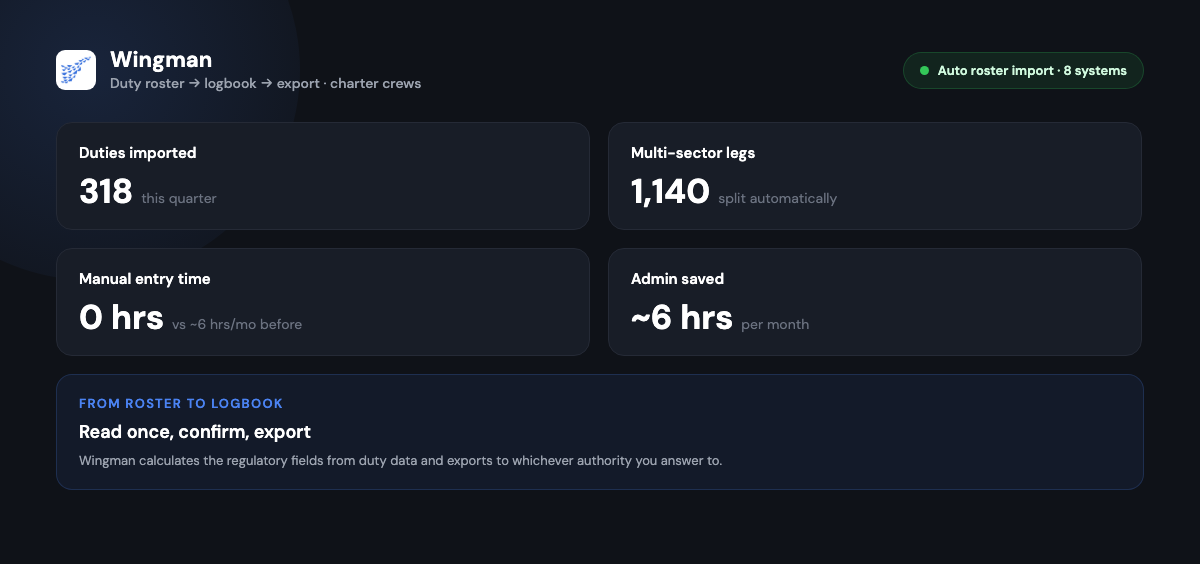
The principle is simple: read the duty data once, calculate the regulatory fields from it, and let the pilot confirm rather than retype. With Wingman, the flow looks like this.
-
Import the roster. Wingman reads published duty data through automatic roster import, with support for systems including AIMS eCrew, NavBlue RAIDO, CAE Crew Access, ARMS, CESAR, Sabre, FLICA, and PDC CrewConnex. [VERIFY]
-
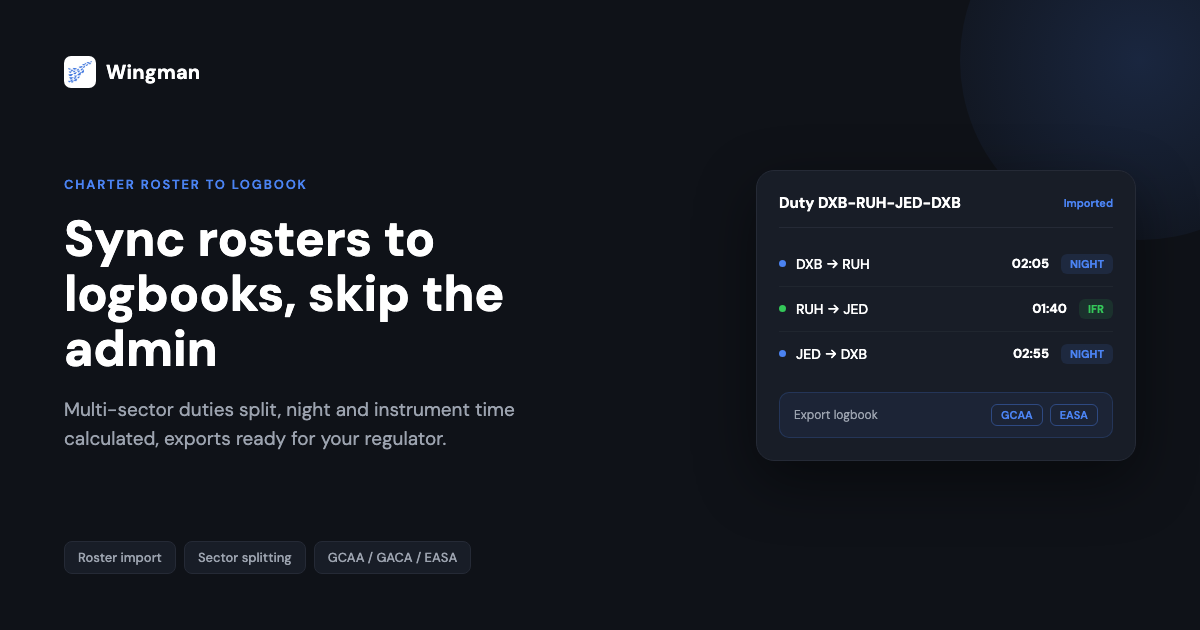
Split the sectors. A duty line such as DXB to RUH to JED to DXB becomes separate logbook entries, one per sector, rather than a single block you have to break apart yourself.
-
Calculate the regulatory fields. Day and night time and instrument time are derived from the route and timing of each leg, so the values come from the schedule rather than from memory.
-
Review and confirm. You check each entry, set or correct the pilot-in-command and co-pilot split, and add anything the roster cannot know, such as the number of approaches.
-
Export when needed. Wingman produces regulator-compliant exports for authorities including the FAA, EASA, UK CAA, GCAA, DGCA, GACA, NZCAA, HKCAD, CASA, and CAAS, so the same record serves whichever regulator you answer to.
The point of the review step is that nothing is logged behind your back. The software does the arithmetic and the typing; you stay responsible for the record, which is the right division of labour for anything a regulator may inspect.

If your operator runs Leon, the same idea applies with system-specific detail. Two companion articles cover that workflow directly: benefits of syncing a Leon roster into Wingman for charter pilots and why charter pilots should sync Leon rosters for smarter flying.
A Middle East charter example
Consider a Gulfstream crew based in Dubai flying VIP charters around the Gulf. In a busy month they might fly short sectors between Dubai, Riyadh, Jeddah, Doha, and Kuwait, with positioning legs folded in around client movements.
Done by hand, the month-end routine is familiar. The pilot pulls the roster, opens a spreadsheet, and works through each duty: splitting sectors, estimating night and instrument time, correcting the rows that do not add up, and finally formatting the totals for the regulator. On a heavy schedule that can run to most of a working day.
With roster import in place, the same month starts from the imported duties. The sectors are already separated and the calculated fields are populated, so the pilot reviews the entries, confirms the command time, adds the approaches, and exports. The work shifts from transcription to verification, which is both faster and more accurate because the numbers come from the schedule rather than from recall. The numbers here are illustrative, but the direction of travel is the point: most of the manual effort moves off the pilot.
Staying compliant across regulators
Charter crews often hold licences or fly under more than one authority, which is part of why accurate, exportable records matter so much. Civil aviation authorities require pilots to keep reliable records of flight time and experience, and to be able to produce them on request. Wingman’s exports are built to match the formats those authorities expect, including the GCAA and GACA used widely across the Gulf, alongside the FAA, EASA, UK CAA, DGCA, and others. [VERIFY]
Keeping the logbook in step with the roster as you go, rather than rebuilding it at month-end, also makes currency easier to track. For charter operators specifically, that ties into staying ready for an audit at any time. Our companion piece on tracking training and currency for charter pilots goes into how to keep that side in order alongside the flight record.
A short checklist for choosing a tool
When you assess any roster-to-logbook workflow, look for:
- Direct import from the crewing system your operator actually uses
- Automatic sector splitting and day, night, and instrument calculation
- A clear review step before anything is committed to the logbook
- Regulator-ready exports for every authority you answer to
- Offline access to your records, since charter trips do not always have connectivity
- Sync across iOS, Android, and web so the record is the same everywhere
Wingman is a global product used by 30,000+ pilots across 400+ airlines, with a free tier up to 250 logged hours so you can try the workflow before committing. The Pro tier is $59 per year, billed annually at $4.99 per month, or 4,499 rupees per year in India. You can start from the Wingman pilot logbook page or sign in at app.wingmanlog.com.
Frequently asked questions
What is charter pilot roster to logbook sync?
It is the process of turning the duty roster your operator publishes into compliant logbook entries without retyping them. The software reads the duty data, splits multi-sector duties into individual legs, calculates regulatory fields such as night and instrument time, and lets you review and confirm each entry before it is saved.
Which crewing systems can Wingman import from?
Wingman supports automatic roster import from systems including AIMS eCrew, NavBlue RAIDO, CAE Crew Access, ARMS, CESAR, Sabre, FLICA, and PDC CrewConnex. If your operator runs Leon, see the dedicated Leon sync guides linked above for that specific workflow. [VERIFY]
Does the import log everything automatically without my input?
No. Import handles the transcription and the arithmetic, but you still review each entry and confirm details the roster cannot know, such as the pilot-in-command and co-pilot split and the number of approaches flown. You stay responsible for the record, which matters because a regulator may inspect it.
Can I export records for Gulf and other regulators?
Yes. Wingman produces regulator-compliant exports for authorities including the GCAA and GACA used across the Gulf, as well as the FAA, EASA, UK CAA, DGCA, NZCAA, HKCAD, CASA, and CAAS. The same logbook can serve whichever regulator you report to. [VERIFY]
Is there a free way to try it?
Yes. Wingman has a free tier up to 250 logged hours, so you can import a roster and work through the review and export steps before deciding. The Pro tier is $59 per year, or 4,499 rupees per year in India, and adds the wider feature set.
← All articles