Aircraft records management: how digital tools are simplifying aviation recordkeeping
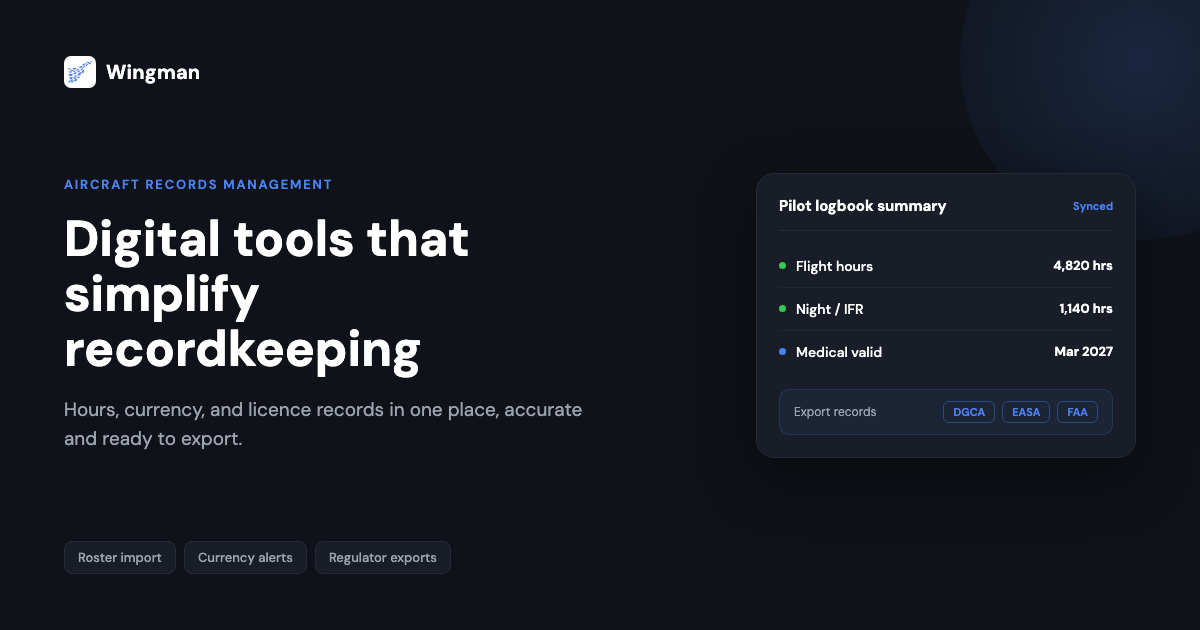
Aircraft records management is the work of keeping accurate, complete, and accessible records of everything an aircraft and its crew accumulate over time: flight hours, training, certifications, currency, and the regulatory documents that prove a pilot is qualified to fly. For pilots and operators in India working under the Directorate General of Civil Aviation (DGCA), and for anyone flying internationally, these records are not just admin. They decide whether you can be rostered, whether your licence stays valid, and whether you pass a check or an audit without scrambling.
For decades this was done on paper. Paper still works, but it is slow, easy to damage, and hard to search when you need a single figure under time pressure. Digital tools have changed what good recordkeeping looks like, and this guide explains what aircraft records management actually involves, where paper falls short, and how a modern digital logbook simplifies the whole process without adding risk.
What aircraft records management covers
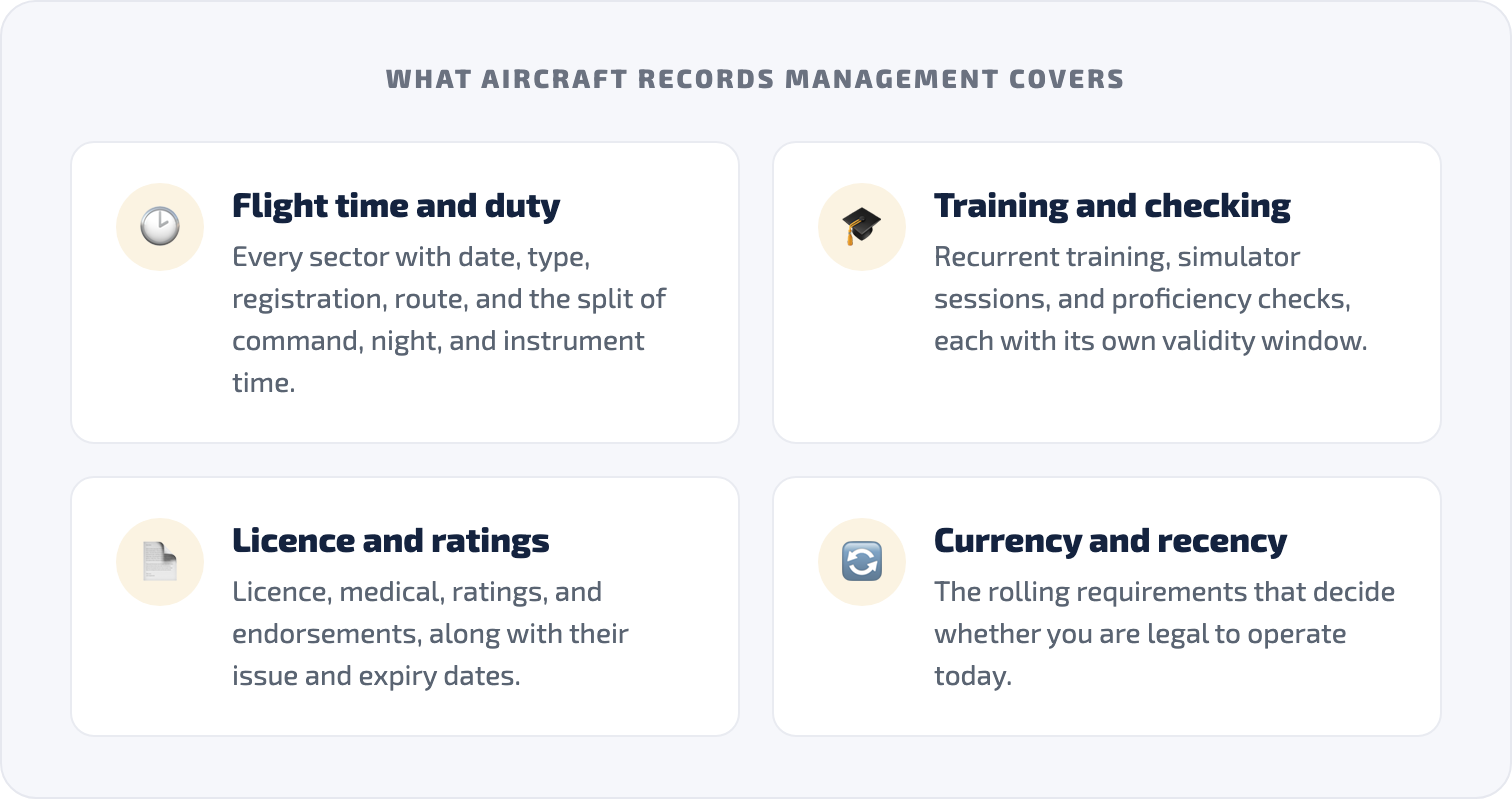
It helps to be precise about what we mean, because “records” is a broad word. For a working pilot, aircraft records management usually spans a few distinct categories:
- Flight time and duty records. Every sector flown, with date, aircraft type and registration, route, and the split of pilot-in-command, co-pilot, night, instrument, and cross-country time.
- Training and checking records. Recurrent training, simulator sessions, line checks, and proficiency checks, each with its own validity window.
- Licence and rating documents. Your licence, medical, ratings, and endorsements, along with their issue and expiry dates.
- Currency and recency. The rolling requirements that govern whether you are legal to operate a given aircraft or operation today.
Each category feeds the others. A missed recency requirement can ground you even when your licence is current, and a gap in your flight time record can hold up a licence application or a job change. The point of aircraft records management is to keep all of this consistent, current, and ready to produce on demand.
Why paper-based recordkeeping falls short
Traditional paper logbooks and folders create predictable problems, and most pilots have hit at least one of them:
- Access is slow. Finding your total night hours or instrument time from three years ago means flipping pages and adding columns by hand.
- Errors creep in. Manual entry and manual totals introduce mistakes, and a single transposition can carry forward for months before anyone notices.
- Loss is permanent. A paper logbook that is damaged, misplaced, or destroyed takes years of evidence with it, and reconstructing it from rosters and memory is painful.
- Deadlines get missed. Nothing on paper reminds you that a medical or a recurrent check is about to expire.
None of this means paper is useless. It means the manual parts of recordkeeping consume attention that pilots would rather spend on flying, and they introduce risk precisely where accuracy matters most.
How digital tools simplify aircraft records management
Digital recordkeeping tools, including mobile apps, cloud platforms, and dedicated pilot logbooks, address those weaknesses directly. The improvements are practical rather than abstract.
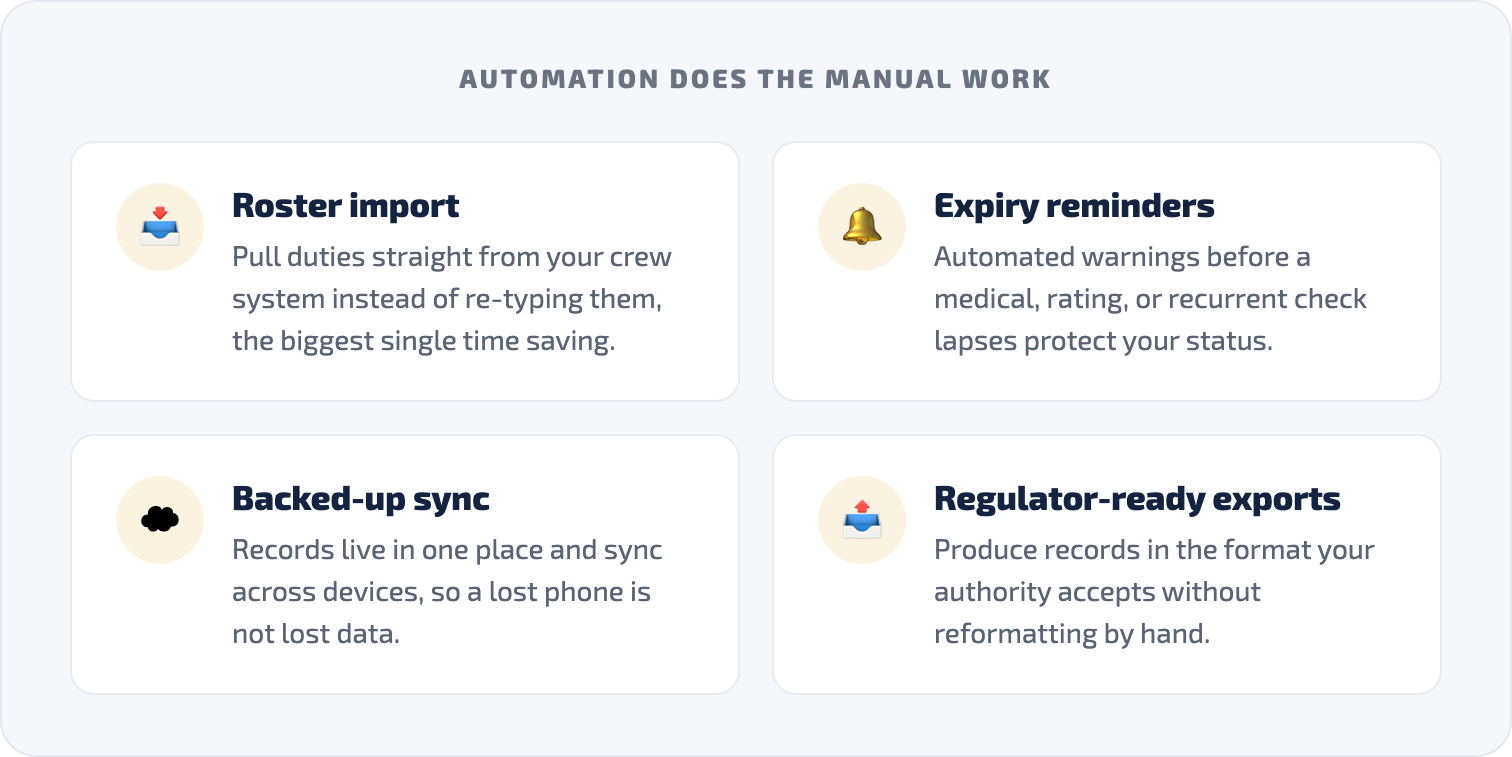
- Centralised, backed-up storage. Records live in one place and sync across devices, so a lost phone does not mean lost data. Your logbook, certifications, and licence details are reachable from anywhere rather than locked in a single physical book.
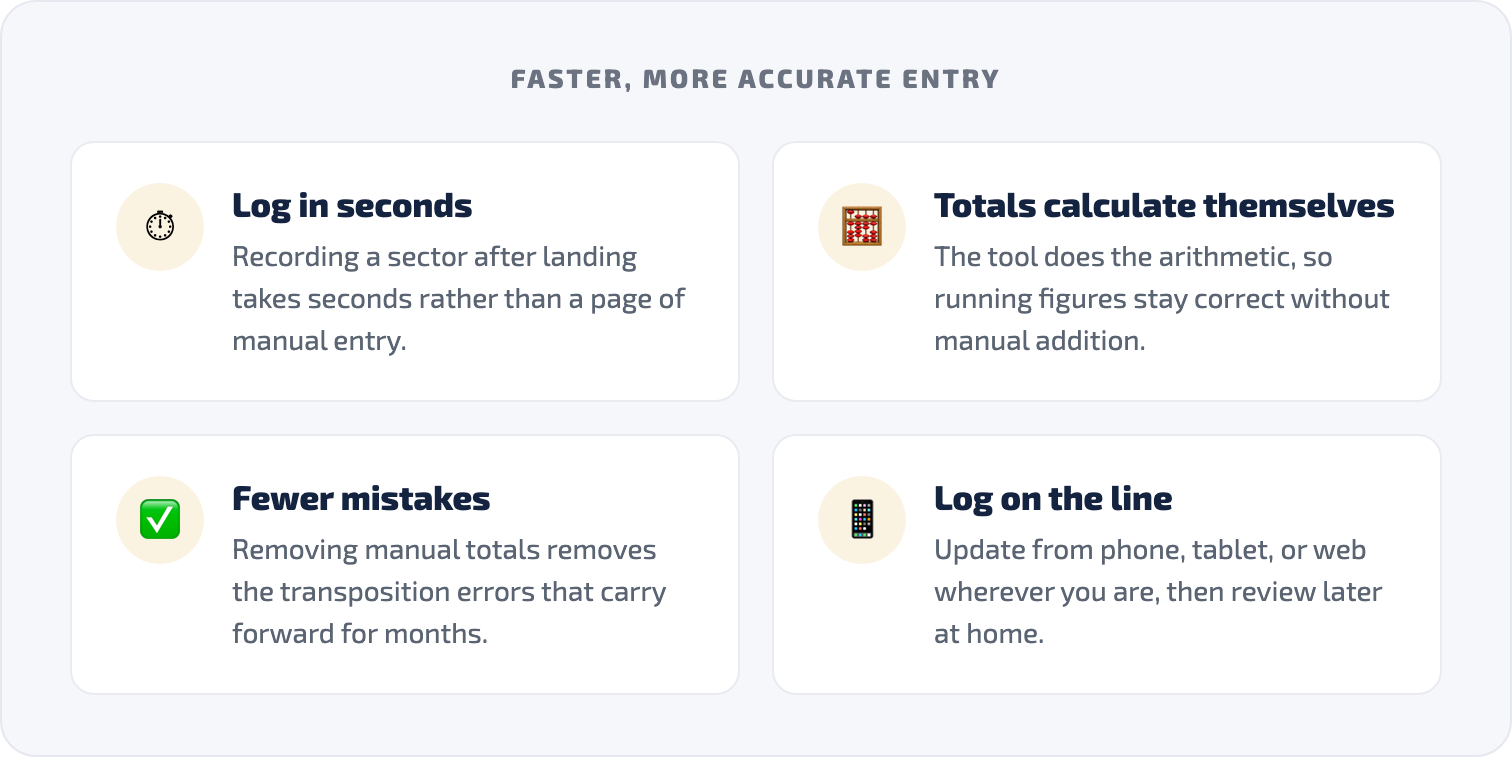
- Faster, more accurate entry. Logging a sector after landing takes seconds, and totals calculate themselves. Because the tool does the arithmetic, the running figures for night, instrument, and command time stay correct without manual addition.
- Automated currency and expiry reminders. Good tools track validity windows and warn you before a medical, rating, or recurrent check lapses, which turns recordkeeping from a backward-looking chore into something that actively protects your status.
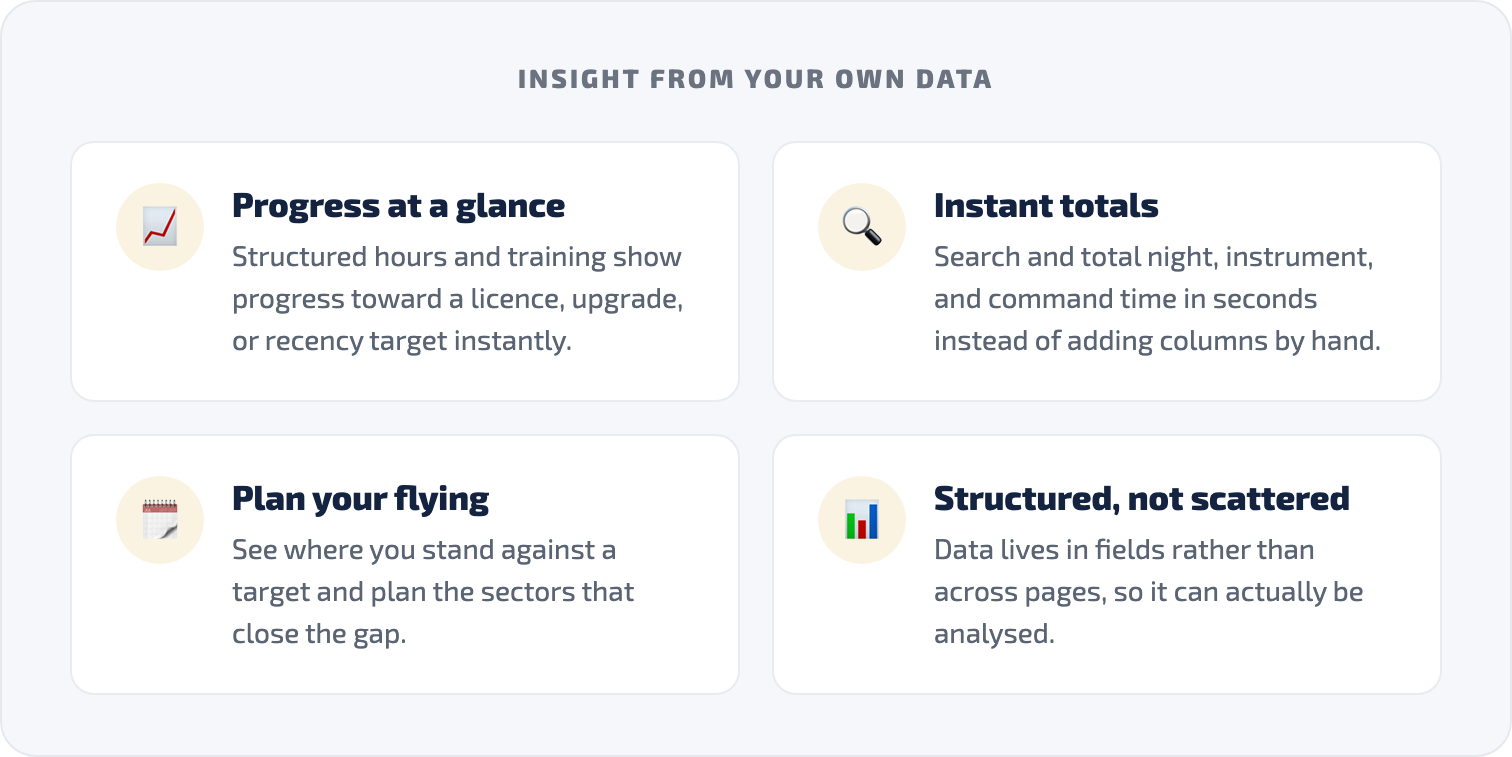
- Insight from your own data. When hours and training are structured rather than scattered across pages, you can see progress toward a licence, an upgrade, or a recency target at a glance, and plan your flying accordingly.
- Roster import instead of re-typing. The biggest single time saving comes from pulling duties straight from your operator’s crew system rather than copying them by hand, which removes the most error-prone step entirely.
That last point is where a purpose-built pilot logbook pulls ahead of a generic spreadsheet or notes app, and it is worth looking at concretely.
What to look for in a digital logbook
Not every digital tool is built for aviation, and a calendar reminder or a spreadsheet only solves part of the problem. When you assess a tool for aircraft records management, the features that matter most are:
- Aviation-specific fields that match how flight time is actually recorded, rather than generic columns you have to bend to fit.
- Regulator-ready exports so your records can be produced in a format your authority accepts, without reformatting by hand.
- Roster import from the crew systems your airline uses, so duties flow in automatically.
- Reliable backup and security, because these records are sensitive and need to survive a lost or replaced device.
- Cross-platform access across phone, tablet, and web, so you can log on the line and review at home.
How Wingman handles aircraft records management
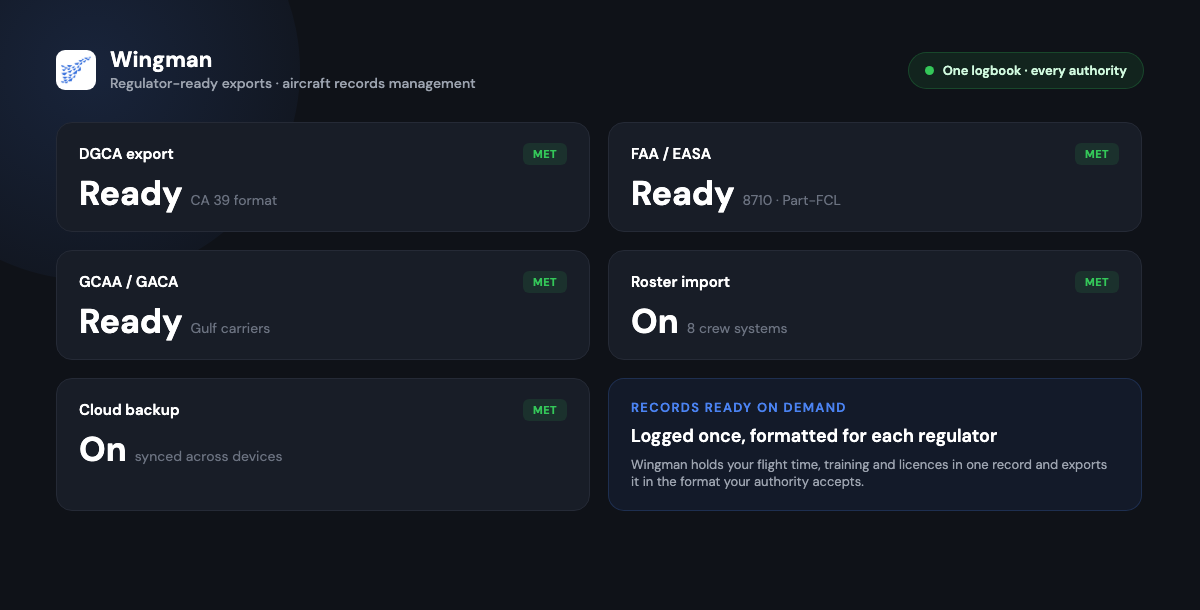
Wingman is a pilot logbook built around exactly these needs, and it is used by 30,000+ pilots across 400+ airlines. It keeps your hours, currency, training, and licence details in one place across iOS, Android, and Web, so the record you build on the line is the same record you review at home or hand to an examiner.
A few specifics matter for day-to-day aircraft records management:
- Automatic roster import. Wingman imports duties directly from crew systems including AIMS eCrew, NavBlue RAIDO, CAE Crew Access, ARMS, CESAR, Sabre, FLICA, and PDC CrewConnex, so you are not re-typing rosters by hand. [VERIFY]
- Regulator-compliant exports. It produces exports formatted for the FAA, EASA, UK CAA, GCAA, DGCA, GACA, NZCAA, HKCAD, CASA, and CAAS, which means your records are ready to present to the authority you fly under.
- Built for India and beyond. Wingman is a global product rather than an India-only tool, but it supports DGCA directly, and there is a focused walkthrough on keeping a DGCA pilot logbook in India if that is your regulator.
There is a free tier up to 250 logged hours, so you can move your records across and try the workflow before paying anything. Pro is $59 per year ($4.99 per month billed annually, or ₹4,499 per year in India). You can start in the Wingman web app.
Moving to digital: a practical sequence
Switching from paper or a spreadsheet does not have to be disruptive. A sensible order keeps the transition low-risk.
- Decide what you actually need. List the records you maintain and the regulator you report to, then check that any tool you consider handles them. For most line pilots this means flight time, training, currency, and licence documents under DGCA or another authority.
- Pick a tool that fits the work. Favour an aviation-specific logbook with regulator-ready exports and roster import over a generic app you have to adapt.
- Bring your existing records across. Enter or import your current totals so the digital record carries your full history, not just new flights. Keep the paper logbook as a backup until you are confident the digital one is complete.
- Connect your roster. Set up automatic import from your operator’s crew system so duties populate without manual entry.
- Make logging a habit. Update after each duty rather than in batches, and let the tool’s reminders watch your currency and expiry dates.
- Review and adjust. Check the digital record against your paper history once, confirm the totals agree, and then rely on the digital version as your primary record.
How records flow in a digital logbook

Challenges and considerations
Going digital is not without trade-offs, and it is worth being clear-eyed about them.
- Security. Records held digitally need strong encryption and reliable backups. Choose a tool that takes data protection seriously, since your logbook contains sensitive personal and professional information.
- Cost. A paid tool has an ongoing cost, so weigh that against the time saved and the risk of lost or inaccurate records. A free tier lets you test the value before committing.
- Dependence on technology. Software and connectivity can fail. Cloud sync and the option to export your full record at any time reduce this risk, so you are never locked out of your own data.
These are manageable concerns rather than reasons to stay on paper, and most resolve themselves once you choose a tool with proper backup and export.
The road ahead
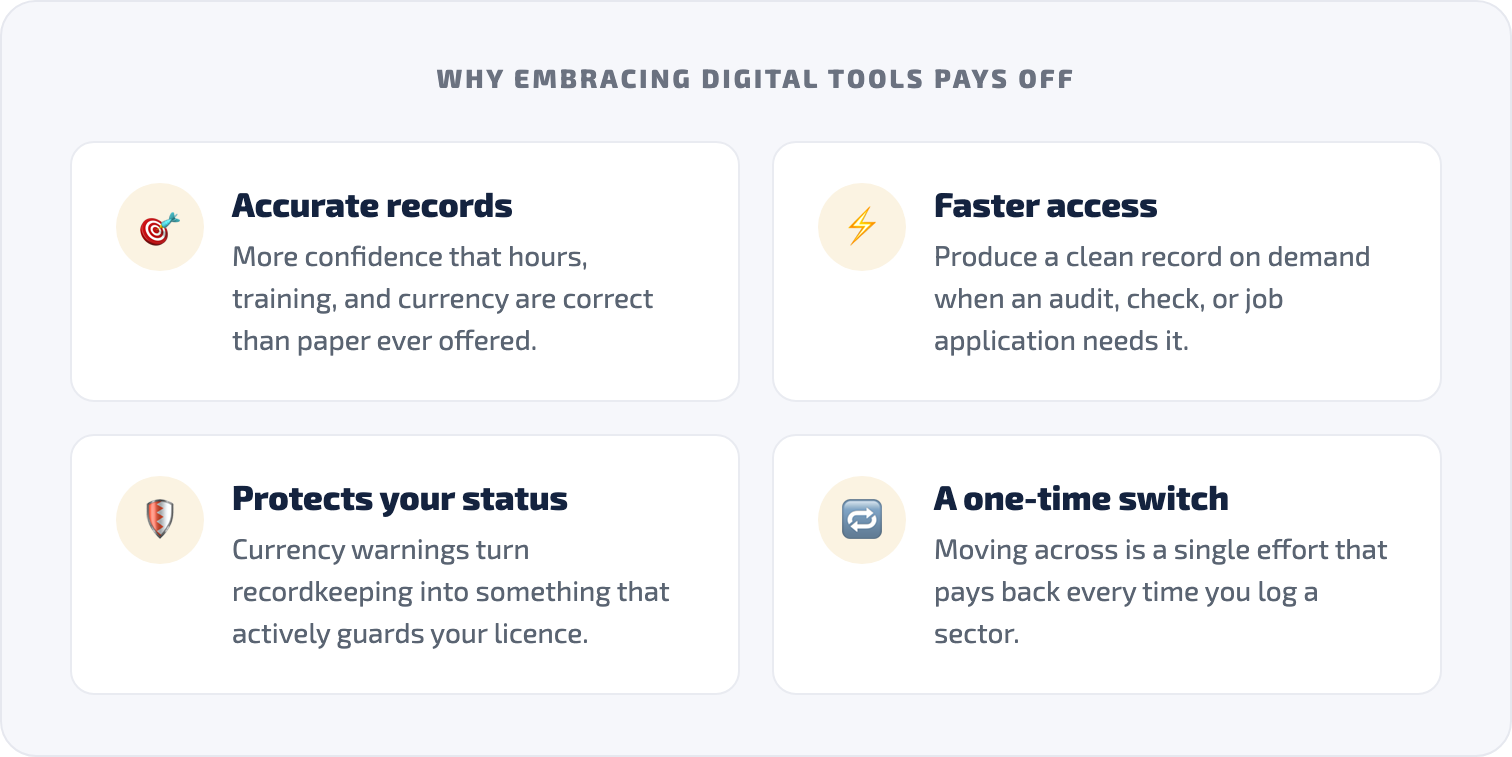
Aircraft records management will keep getting easier as the tooling matures. Automatic roster import already removes most manual entry, and tighter integration between logbooks and regulator systems is the obvious next step. The direction of travel is clear: less time spent maintaining records, more confidence that the records are accurate, and faster access when an audit, a check, or a job application needs them.
For a working pilot, the practical takeaway is simple. The accuracy and completeness of your records directly affect your ability to fly, and digital tools make both easier to maintain than paper ever did. Moving across is a one-time effort that pays back every time you log a sector, get a currency warning, or export a clean record on demand.
Frequently asked questions
What is aircraft records management?
Aircraft records management is the systematic collection, storage, and upkeep of the records tied to flying: flight hours, training and checking, licence and rating documents, and currency or recency requirements. For a pilot it means keeping these accurate, current, and ready to produce for an operator or a regulator such as DGCA.
Why move from a paper logbook to a digital one?
A digital logbook removes manual arithmetic, backs your records up so a lost book does not mean lost data, and warns you before medicals, ratings, or recurrent checks expire. It also lets you search and total your hours instantly rather than flipping pages, which matters when you need a single figure under time pressure.
Are digital pilot logbook records accepted by DGCA and other regulators?
A dedicated logbook produces exports formatted for the regulator you fly under. Wingman supports regulator-compliant exports for the FAA, EASA, UK CAA, GCAA, DGCA, GACA, NZCAA, HKCAD, CASA, and CAAS. Always confirm the current submission format your authority requires before relying on any export. [VERIFY]
Do I have to re-type my roster into a digital logbook?
No. A purpose-built logbook can import duties automatically from your operator’s crew system. Wingman supports automatic roster import from systems including AIMS eCrew, NavBlue RAIDO, CAE Crew Access, ARMS, CESAR, Sabre, FLICA, and PDC CrewConnex, which removes the most error-prone part of recordkeeping. [VERIFY]
How much does a digital pilot logbook cost?
Wingman has a free tier that covers up to 250 logged hours, so you can move your records across and try the workflow at no cost. Pro is $59 per year ($4.99 per month billed annually, or ₹4,499 per year in India) and unlocks unlimited logging across iOS, Android, and Web.
← All articles