Pariksha DGCA: how the portal works and how to check your exam results
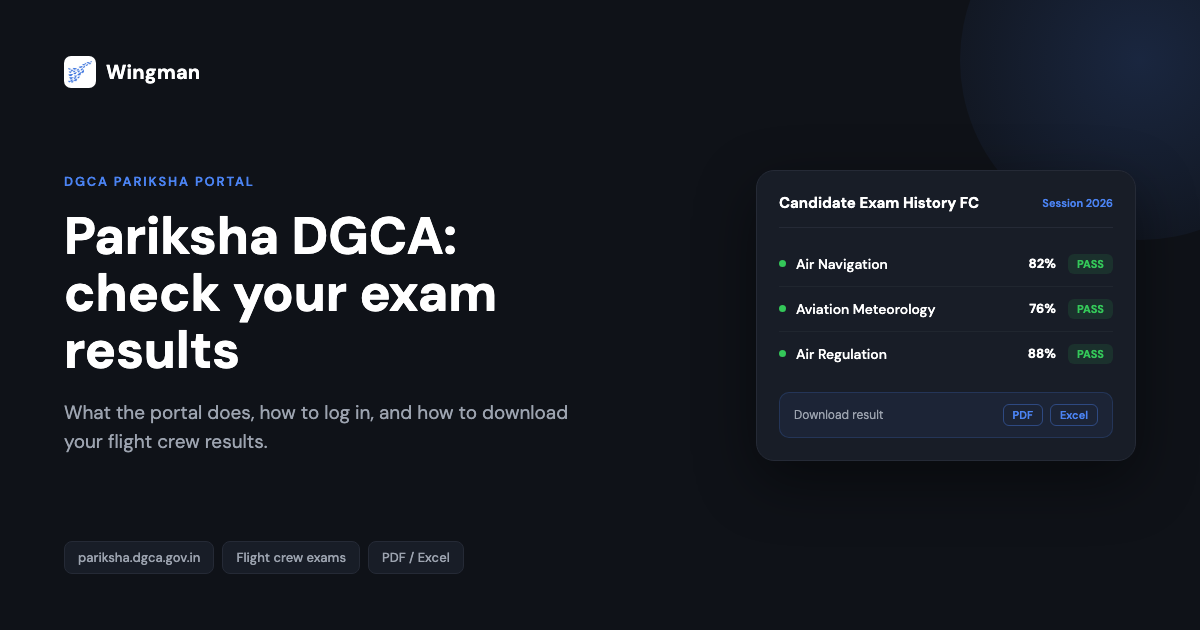
Pariksha is the online examination portal run by the Directorate General of Civil Aviation (DGCA) in India. If you are training toward a pilot licence, this is the website you use to register as a candidate, sit your flight crew examinations, and check your results. The portal lives at https://pariksha.dgca.gov.in, and most candidates interact with it at several points across their training, so it helps to know what it does before you need it.
This guide gives you a plain overview of the Pariksha DGCA portal and then walks through the core task most candidates come here for: checking and downloading your flight crew exam results. The results steps are written as a numbered how-to you can follow with the portal open in another tab.
What the pariksha DGCA portal is for
The Pariksha portal is where DGCA manages computer-based flight crew examinations. Candidates use it to create or update their candidate profile, view available examination sessions, and access results once an examination is complete. Because it is the single front door for the exam process, your login here is tied to your candidate record, so keep your username and password somewhere safe.
If you are at the very start of the process, registration comes first. The flow differs depending on whether you are new to the system or already hold a record, and we have separate step-by-step guides for each: new candidate registration on Pariksha DGCA and old candidate registration on Pariksha DGCA. Working through the right one first means your login will be ready when you need to check results later.
Before you log in: the computer number
Many candidates need a DGCA computer number as part of their journey through the system. The computer number is your reference identity with DGCA, and it ties together the records you build up across exams and, later, your licence application. If you have not sorted yours yet, our walkthrough on how to apply for a DGCA computer number covers it. Having this in place keeps your candidate record consistent from registration through to results.
It also helps to know which examinations you actually need before you book sessions. The set of papers depends on the licence you are working toward. We break this down in exams to be cleared in order to get CPL, PPL, ATPL, which is worth reading early so you can plan your sittings rather than discovering requirements one paper at a time.
How to check your exam results on the pariksha DGCA website
Once you have sat an examination, checking the result on the portal is a short process. Follow these steps with your candidate login ready.
-
Open your web browser and go to the DGCA Pariksha website at https://pariksha.dgca.gov.in. This is the official portal for flight crew examinations.
-
Log in to your account. Select the candidate login option, then enter your username and password in the fields provided. If you do not yet have an account, complete registration first using the relevant candidate registration guide linked above.
-
From the dashboard, go to the results area. Open View Details, then select Candidate Exam History FC. [VERIFY]
-
Choose the examination you want. In the Session dropdown, you will see a list of examinations on your record. Select the specific flight crew examination you recently sat. [VERIFY]
-
View your result on screen. Once selected, your result is displayed. You can also download it for your records. The portal supports saving results in PDF or Excel format. [VERIFY]
A summary of examination results is also published on the portal Notice Board, so you can often see overall outcomes there as well as in your own candidate history. [VERIFY]
Results-checking flow

If a result is not showing yet, it is usually because the session has not been processed for your record. In that case, check back after a short interval rather than re-registering, and confirm you have selected the correct session from the dropdown.
After you pass: logging the hours that follow
Clearing your written examinations is one part of the licence path. The other large part is flight time, and once you start flying toward your CPL, PPL, or ATPL, those hours need to be recorded accurately. This is where a digital logbook earns its place. Wingman is a pilot logbook used by 30,000+ pilots across 400+ airlines, and it keeps your hours, currency, and licence details in one place across iOS, Android, and Web.
Wingman is a global product rather than an India-only tool, and it supports DGCA among regulators including the FAA, EASA, UK CAA, GCAA, GACA, NZCAA, HKCAD, CASA, and CAAS. For India specifically, there is a focused walkthrough on keeping a DGCA pilot logbook in India. There is a free tier up to 250 hours, so you can start logging while you are still building toward your licence without committing anything up front.
How the portal fits the wider DGCA journey
Pariksha handles the examination side of becoming a licensed pilot, but it is not the only DGCA system you will use. Licence and related processes run through eGCA, a separate DGCA platform. If you are getting set up there, our guides on how to get your eGCA ID and the wider pilot registration process with eGCA explain how to register and what to expect. Knowing how Pariksha and eGCA relate to each other helps you keep your records straight as you move from exams toward your licence.
Frequently asked questions
What is the pariksha DGCA website used for?
Pariksha is the DGCA online examination portal for flight crew. Candidates use it to register, view examination sessions, and check and download their results. It sits at https://pariksha.dgca.gov.in.
How do I check my flight crew exam results on Pariksha?
Log in with your candidate username and password, open View Details on the dashboard, select Candidate Exam History FC, then choose your examination from the Session dropdown to view the result. You can download it in PDF or Excel format. [VERIFY]
I forgot whether I am a new or old candidate. Which registration do I use?
If you have never created a record on the portal, use the new candidate flow. If you already hold a DGCA candidate record, use the old candidate flow. We cover both in separate guides: new candidate registration and old candidate registration.
My result is not showing yet. What should I do?
Confirm you have selected the correct session in the dropdown. If the result is still not visible, the session may not have been processed for your record yet, so check back after a short interval. A summary is also posted on the portal Notice Board. [VERIFY]
Is Pariksha the same as eGCA?
No. Pariksha handles flight crew examinations, while eGCA is the separate DGCA platform used for licence and related processes. If you are setting up eGCA, see our guides on getting your eGCA ID and the eGCA registration process.
← All articles