Share roster with friends & family
Feature overview
Your loved ones shouldn't have to guess when you'll be home, or wait for a screenshot. AirRoster makes it easy to share your live schedule with the people who matter most. By securely setting up your AirRoster profile on a friend or family member's device, they'll have real-time access to your updated roster, no more back-and-forth messages, missed calls, or surprise duty changes at the last minute.
Try for FreeHow it works
- Sync your account Open AirRoster on your device and ensure your account is synced.
- Install on their device On your loved one's phone or tablet, install AirRoster.
- Log in Log in to your AirRoster account.
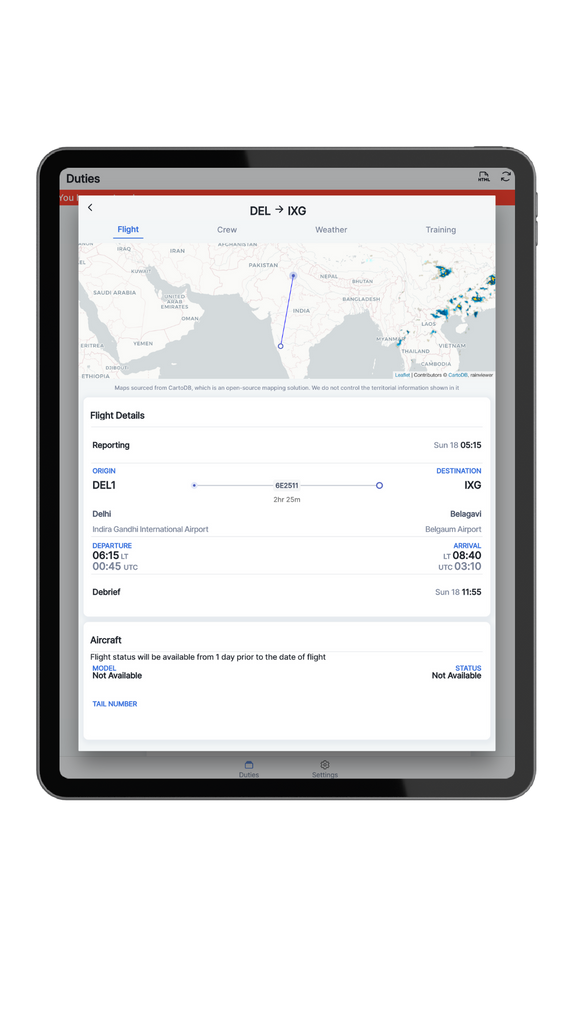
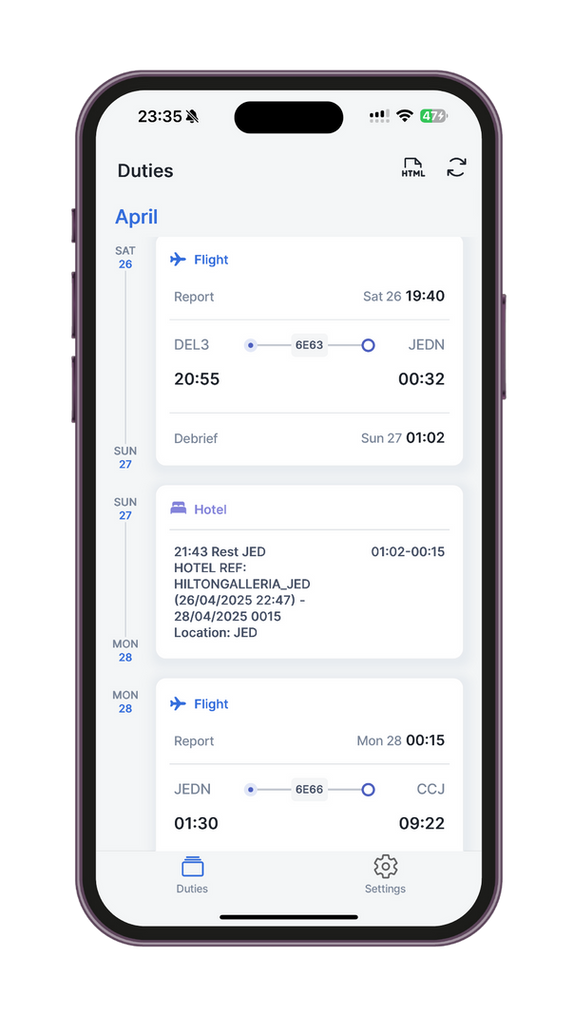
- They see your live roster They'll now see your up-to-date roster, no screenshots or manual updates required.
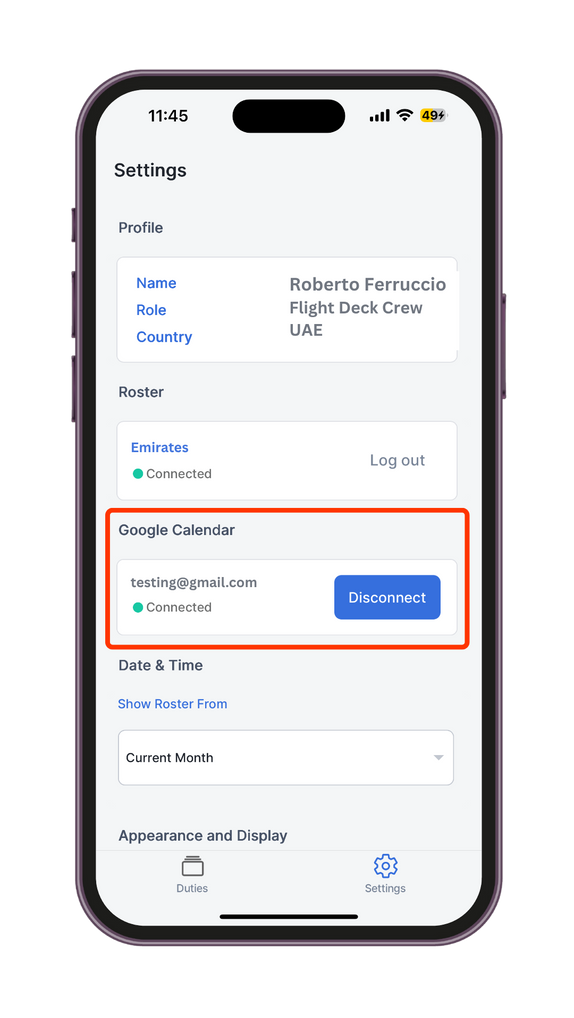
- Or sync with Google Calendar Alternatively, you could also sync your roster to your Google account and access it via Google Calendar, then sync it to your family member's account.
Why flight crew around the world love using this feature?
- Better time together: Helps your family plan quality time around your layovers and off days.
- No more screenshots: Say goodbye to outdated, blurry images.
- Real-time visibility: Your loved ones get updates when your schedule changes.
- Safe & secure: You control access. No one sees your schedule unless you allow it.
- Great for busy homes: Especially helpful for partners, parents, or anyone coordinating around your flying hours.
Frequently asked questions
Can my family see my full roster?
Yes. Once you log in on their device, they'll see your up-to-date schedule just like you do.
Can they make changes to my account?
No. This is strictly read-only access. They cannot edit or sync anything.
Is it safe to log in on someone else's phone?
Yes. You can log out anytime or change your password to revoke access.
Can multiple people view my roster?
Yes. You can set up your account on multiple trusted devices if needed.
Will they get notified of changes?
Not yet, but they'll see updated info whenever they open the app or refresh the page.
Is there a family-sharing feature with limited views?
Not at this time. Full-view sharing is the current model.
Can I revoke access if I change my mind?
Yes. Just log out from the other device or reset your password.
Does this work across iOS, Android, and browser?
Yes. AirRoster works on all platforms with the same experience.
Can I share a calendar feed instead?
Yes. Calendar feed is supported too.
Is this feature free?
Yes. Sharing your roster with loved ones is completely free.
Something beyond this? Just drop a message on the contact page