Migrate your previous data
Feature overview
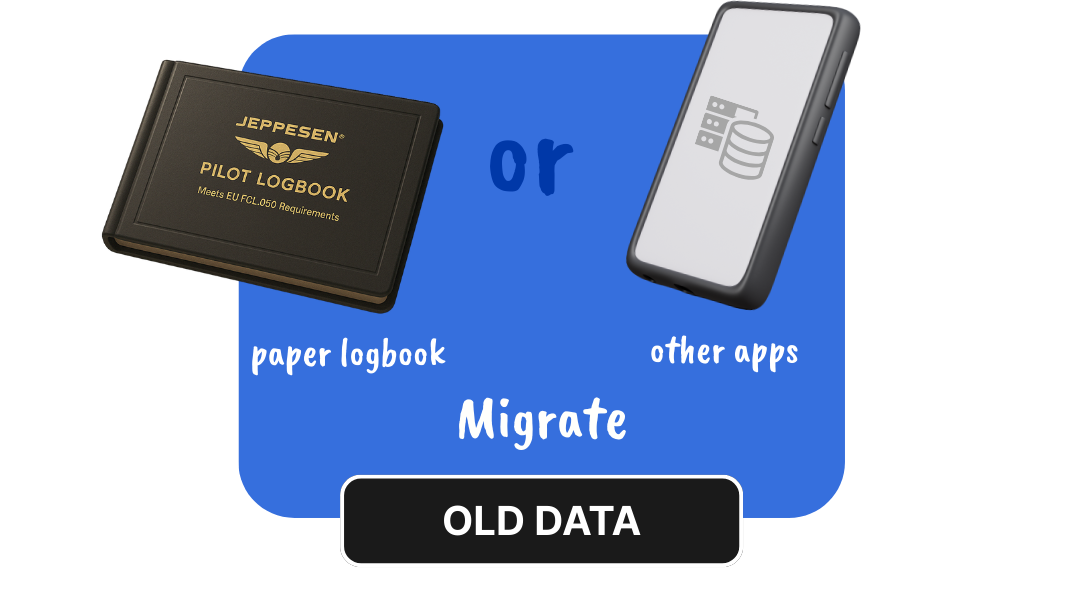
Switching to Wingman doesn't mean starting over. Whether you've been using LogTen Pro, MCC, Safelog, or even Excel, our team helps you migrate your entire flight history with accuracy and zero stress.
Try for FreeWith Wingman Pilot Logbook's assisted migration service, you can:
- STEP 1: Export your logbook data from your current app (preferably in .csv or .xlsx format).
- STEP 2: If you use LogTen Pro, go to Reports > Exporters > Export Flights (Tab) and configure the report.
- STEP 3: Email the file to support@wingman.zohodesk.com with your registered Wingman ID.
- STEP 4: Our team will review the data for calculation errors, inconsistencies, and missing fields.
- STEP 5: Once verified, we import the data into your Wingman account and notify you when it's ready.
- *Note: If the data preparation from manual to digital (excel) is done by our team of experts, manually, then we charge a nominal fee.
Why pilots around the world love using this feature?
- Saves weeks (or months) of manual flight entry.
- Supports migration from both structured and messy data.
- Handled by trained pilots who understand the data they're dealing with.
- Fast turnaround with personalised support.
Frequently asked questions
Which logbook apps are supported?
LogTen Pro, MCC, Safelog, eGCA, and almost any logbook tool that allows CSV/XLS export.
I only have my flight records in Excel. Can you import that?
Yes. If your sheet contains key flight fields (date, aircraft, departure, arrival, hours, etc.), we can map and import it.
How long does the migration take?
Usually 2 to 4 working days after receiving your file and confirmation.
Will I be able to verify my data before import?
Yes. We review the data and reach out to confirm accuracy before we load it into your account.
Do I need to be subscribed to use this service?
Yes. An active Wingman Pilot Logbook subscription is required to activate the import.
Is the import process fully automatic?
No, and that's intentional. Each import is manually verified by our support team to avoid errors.
Can I import my simulator sessions and remarks too?
Yes, as long as they're part of the exported file, we include them in the import.
What if I find issues after the import?
Just contact support, we'll correct them. Your data is safe and recoverable.
Is there a file size limit for import?
No practical limit. We've handled files with 10,000+ flights.
Do I have to format the data in a specific way?
If it's exported from a known app, we can handle it. For Excel, simple structured columns (Date, Route, A/C, PIC, Time, etc.) are enough.
Something beyond this? Just drop a message on the contact page